Cache Clock Claude Code mod: watch your Claude Code prompt cache expire
A prompt-cache line under your Claude Code status line: time left while warm, hit rate, and tokens re-cached once cold.
Permissions
- Reads filesCan read files and list directories on your machine ($.fs.read / list / stat / exists).
- Writes filesCan create or overwrite files on your machine ($.fs.write).
- Runs commandsCan run shell programs on your machine ($.process.run / spawn). Check the source for exactly which ones.
- Adds commands/toolsRegisters new slash commands or tools that you or Claude can invoke ($.command.register / $.tool.register).
- tested with
- v2.1.296
- last tested
- requires
- Claude Code ≥ 2.1.287
- surfaces
- status
- source
- Hamza Zafar (hamzafer) (MIT)
Install inside Claude Code:
/plugin install cache-clock --marketplace hamzafer/claude-code-modsWhat does this mod do?
Cache Clock is a community mod by Hamza Zafar (hamzafer), part of his claude-code-mods collection. It shows the state of your Claude Code prompt cache as one line under the status line. While the cache is warm the line is green and reads like cache ● 1h ██████████ 59m left · hit 48% · misses 0: the cache lifetime (5m or 1h), a ten-cell bar of how much of it is left, the time remaining, the hit ratio and the miss count.
When less than 20% of the lifetime is left, the line turns yellow. Once the cache has expired it turns red: cache ○ cold · next message re-caches 82k tokens, with the cause of the last miss added when Claude Code reports one. The point is to see, before you send a message, whether it will be served from the cache or will pay to rebuild the whole prefix.
The figures are not computed by the mod. Claude Code sends a prompt_cache object to the status line command (from 2.1.251), and the mod only formats it. Plugins cannot register a status line, so the mod adds a /cache-clock command: setup points statusLine at the mod's script and remove puts things back. If you already have a status line, it stays and the cache line goes under it.
Cache Clock only displays the cache state. If you also want the cache kept warm with keep-alive requests and a prompt before an expensive cold send, see Cache Keeper.
Demo
The recording starts Claude Code with the mod loaded in the small demo project, with the status line already pointed at the mod's script; the /cache-clock setup step is skipped on purpose so the demo does not write to the recorder's own ~/.claude. It asks Claude to read README.md and describe the project in one sentence. While the turn runs, a green cache ● 1h line with a full bar, 59m left and hit 0% · misses 0 sits under the prompt. When the turn finishes, the same line updates to hit 48% · misses 0.
Install
Use any of the methods in the install block; they install straight from the author's own marketplace. Then run /cache-clock setup in a session. The line appears after Claude's next reply, and /cache-clock alone tells you whether it is on.
$ install cache-clock
Requires Claude Code ≥ 2.1.287
Installs from the author's own marketplace: hamzafer/claude-code-mods
1.One line, inside Claude Code
/plugin install cache-clock --marketplace hamzafer/claude-code-modsPaste into a running session (v2.1.275+). Claude Code asks to add the marketplace first.
2.From your shell
claude plugin marketplace add hamzafer/claude-code-mods claude plugin install cache-clock@claude-code-modsThen run /reload-plugins in any session that is already open.
3.Try it without installing
git clone https://github.com/hamzafer/claude-code-mods claude --plugin-dir ./claude-code-mods/mods/cache-clockLoads the mod for one session only. Nothing is added to your settings.
How it works
hooks/register.ts registers the command and does the setup. The shipped statusline/cache-clock.mjs is what Claude Code runs on every status line refresh. It reads the JSON from stdin, runs your original command if one was saved, and prints the cache line. The pure formatter is in statusline/render.mjs:
export function render(input, nowSeconds) {
  const cache = input?.prompt_cache
  if (!cache || typeof cache !== 'object') return ''
  if (cache.caching_observed === false) return ''

  const left = typeof cache.expires_at === 'number' ? cache.expires_at - nowSeconds : null
  const isWarm = cache.warm !== false && left !== null && left > 0
  return isWarm ? warmLine(cache, left) : coldLine(cache)
}
The line counts as cold as soon as expires_at has passed, even if the input said warm when it was built. setup writes the two scripts to <config dir>/cache-clock/ instead of the plugin folder, because the plugin folder changes with every version. On the next session start, refreshScripts copies fresh versions over them if the status line is the mod's. setup sets refreshInterval to 30 seconds unless yours is already shorter, so the countdown moves between replies.
Customize it
There are no options. /cache-clock setup and /cache-clock remove are the only switches. To change the look, edit render.mjs: BAR_CELLS for the bar width, WARN_SHARE for the point where the line turns yellow (20% by default) and the color escape codes at the top. Edit the copy under <config dir>/cache-clock/; the mod overwrites it with the shipped version on the next session start while it is set up.
Permissions & safety
We read every file the plugin runs: .claude-plugin/plugin.json, hooks/hooks.json, hooks/register.ts, both status line scripts and the tests. There is no package.json, install script, bundled or minified code, or binary. The repository has an MIT LICENSE.
- Settings change, only on request. Nothing is written at install or session start except a refresh of its own scripts.
/cache-clock setupwritessettings.jsonin your Claude config folder (orCLAUDE_CONFIG_DIR), or<project>/.claude/settings.local.jsonwhen the status line comes from project settings. It also writes the scripts and asetup-<hash>.jsonbackup under<config dir>/cache-clock/./cache-clock removerestores the previousstatusLine, unless you changed it since. It refuses to touch managed (policy) or--settingsstatus lines, and leaves invalid settings JSON alone. - Runs a command on every refresh. After setup, Claude Code runs
node "<config dir>/cache-clock/cache-clock.mjs". That script runs your previous status line command through a shell (spawnSync(..., { shell: true }), 5 s timeout) with the same input.setupitself runsnode --versionto check Node is present. - No network, no telemetry, no model calls, no daemon. It reads
HOMEandCLAUDE_CONFIG_DIRonly to find the config folder. No tokens or credentials are read. - No prompt injection and no gating hooks. It only registers
session.startand its own command. It adds nothing to prompts or tool results. - Requirements: Node on your PATH and Claude Code 2.1.251 or later.
claude plugin validate reported no errors or warnings, and the author's 25 tests passed on Claude Code 2.1.296.
- Reads files
- Can read files and list directories on your machine ($.fs.read / list / stat / exists).
- Writes files
- Can create or overwrite files on your machine ($.fs.write).
- Runs commands
- Can run shell programs on your machine ($.process.run / spawn). Check the source for exactly which ones.
- Adds commands/tools
- Registers new slash commands or tools that you or Claude can invoke ($.command.register / $.tool.register).
Compatibility & troubleshooting
Checked with Claude Code 2.1.296 on macOS (validate, tests and the demo). If the line does not show up:
- Run
/cache-clock. It should say "cache-clock is on". - Send one message first. The line is empty until
prompt_cachearrives, and also when the provider reports no caching. claude --versionis 2.1.251 or later, andnode --versionworks in the same terminal.- Your status line is not set by managed settings or
--settings; setup refuses to change those. - After setup in a session already running, wait for the next reply or the 30-second refresh.
FAQ
- Does Cache Clock call the API or spend tokens?
- No. It only formats the prompt_cache figures that Claude Code already passes to the status line command. The scripts make no network requests and do not call the model.
- What does /cache-clock setup change on my machine?
- It copies two scripts into your Claude config folder under cache-clock/, saves your previous status line there, and edits one settings file so statusLine points at the script. A project's shared status line gets a local override instead of an edit. /cache-clock remove restores the saved original.
- What happens to my existing status line?
- It keeps running. The mod's script runs your original command first with the same input, prints its output, and adds the cache line under it. The original command is run through a shell with a 5-second timeout.
- What does the line say when the cache is cold?
- It shows a red "cache ○ cold", how many tokens the next message re-caches (for example 82k), and the cause of the last miss when Claude Code reports one, such as tools changed.
- Which Claude Code version do I need?
- 2.1.251 or later, the first release that sends prompt_cache to the status line. On older versions the line stays empty. Node must be on your PATH.
# Related mods
 Featured
Context Meter
Context-window fill, 5-hour and 7-day plan usage and session cost in the status line, plus a warning near the limit.
- status
- toast
- Changes the UI
tested with v2.1.310
 Featured
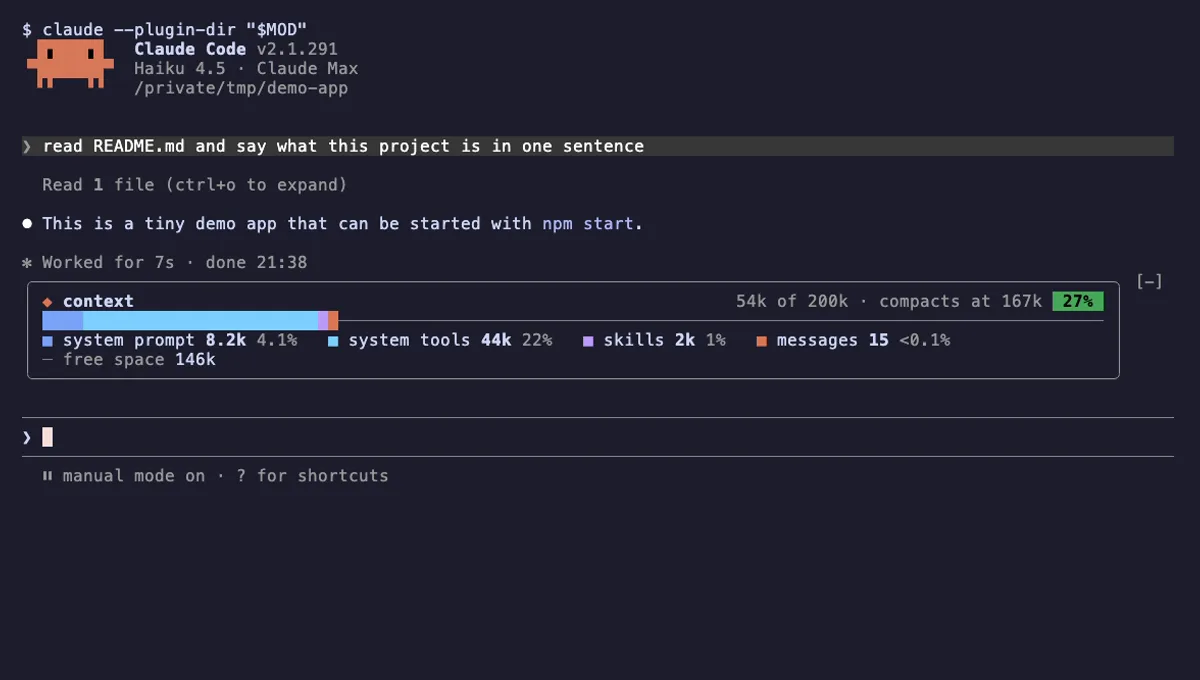
Context Bar
Your Claude Code context window as one stacked bar above the prompt, a color per category, with token counts.
- above-prompt
- Changes the UI
- Adds commands/tools
- Stores data
tested with v2.1.291
 Featured
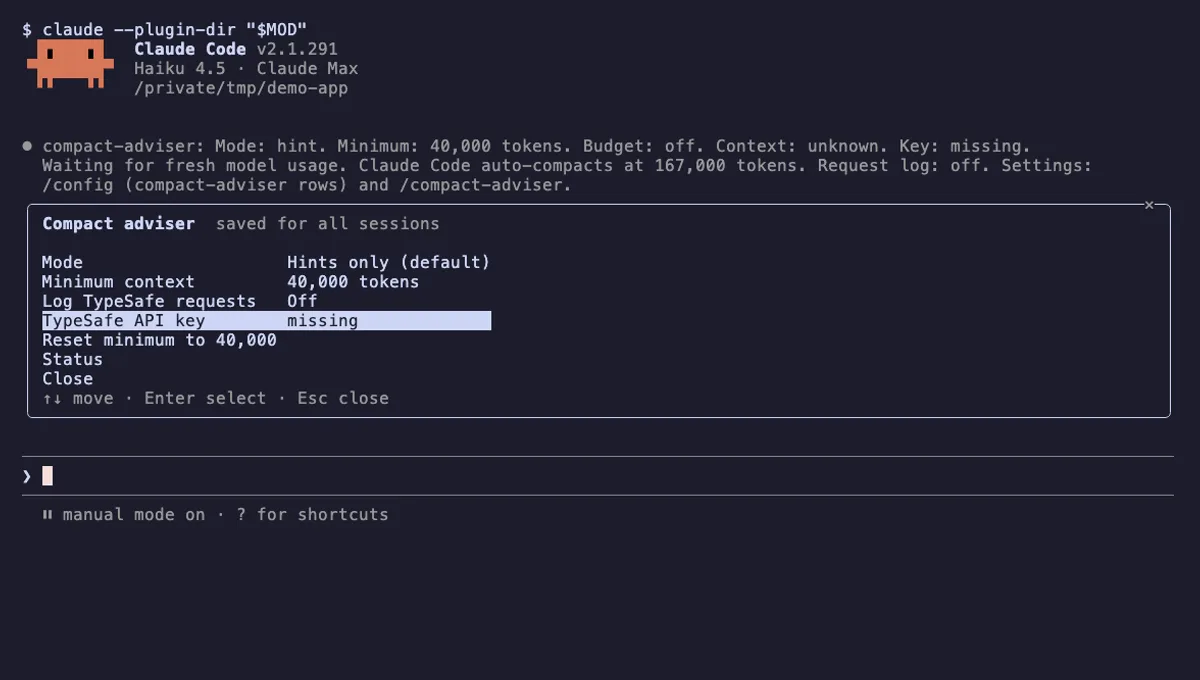
Compact Adviser
Suggests running /compact when your Claude Code session reaches a finished checkpoint, judged by TypeSafe's Jev model.
- status
- pane
- toast
- Reads files
- Writes files
- Network
- Reads your prompts
- Changes the UI
- Adds commands/tools
- Stores data
tested with v2.1.291
 Featured
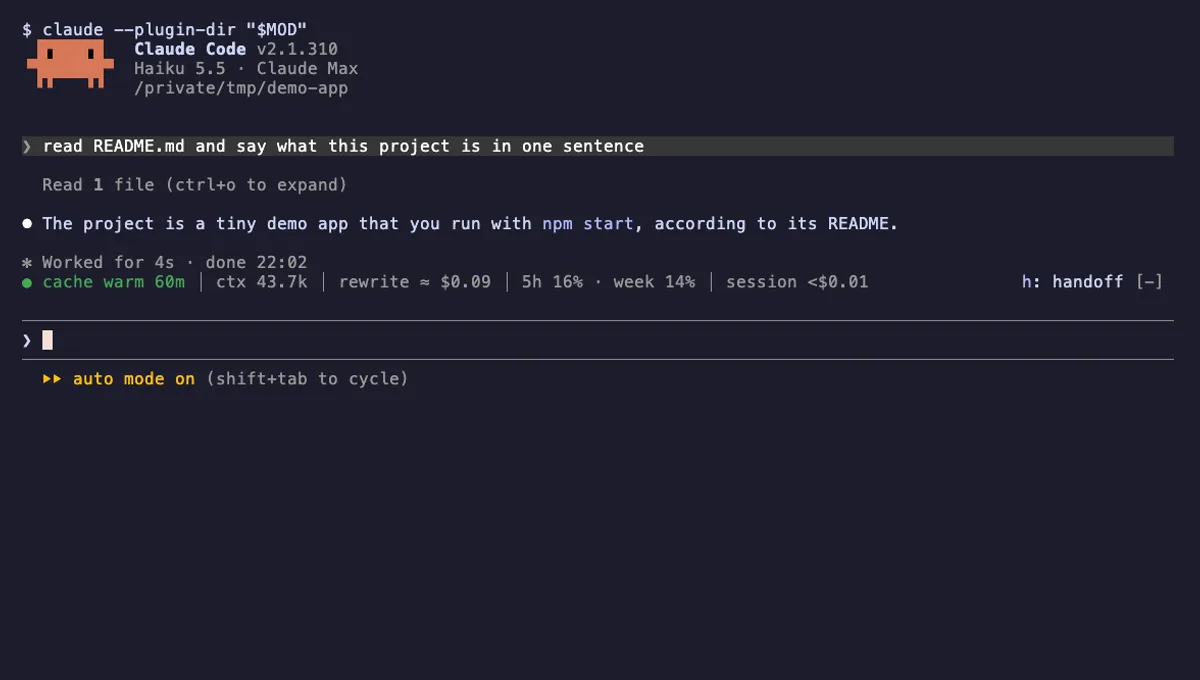
Cache Keeper
Shows if your Claude Code prompt cache is warm or cold, keeps big chats warm and asks before a costly cold send.
- above-prompt
- pane
- toast
- Reads files
- Writes files
- Calls the model (uses your quota)
- Intercepts tool calls
- Reads your prompts
- Changes the UI
- Adds commands/tools
- Stores data
tested with v2.1.310
More in Status line & prompt bar, Context, quota, cost.