Context Meter: Claude Code Context Usage Status Line
Context-window fill, 5-hour and 7-day plan usage and session cost in the status line, plus a warning near the limit.
Permissions
- Changes the UIDraws into the Claude Code interface: bands, panes, status text, toasts (ui.render / $.ui.*).
- tested with
- v2.1.291
- last tested
- requires
- Claude Code ≥ 2.1.287
- surfaces
- status, toast
- source
- ClaudeMods (MIT)
Install inside Claude Code:
/plugin install cm-context-meter --marketplace rotbit/claudemods-marketplaceWhat does this mod do?
Context Meter is a Claude Code context usage status line. It writes one compact line into the status line: ctx 42% · 5h 23% · 7d 61.5% · $1.20. That is how full the context window is, how much of your 5-hour and 7-day plan windows you have used (on a subscription), and what the session has cost so far. When the context reaches 80 percent, a toast warns you once so you can /compact or /clear before Claude starts losing earlier detail.
The point is to stop guessing. You no longer need to run /cost or /context to know whether a long task will fit, and the warning comes early enough to compact on your own terms. Requires Claude Code 2.1.287 or later.
Demo
The recording starts a session with the mod loaded. The status line shows ctx – until the first answer, then fills in the context percentage, the plan windows and the cost after the turn completes.
Install
Pick one of the methods in the install block. Nothing needs configuring; the defaults show everything the account provides.
$ install cm-context-meter
Requires Claude Code ≥ 2.1.287
1.One line, inside Claude Code
/plugin install cm-context-meter --marketplace rotbit/claudemods-marketplacePaste into a running session (v2.1.275+). Claude Code asks to add the marketplace first.
2.From your shell
claude plugin marketplace add rotbit/claudemods-marketplace claude plugin install cm-context-meter@claudemodsThen run /reload-plugins in any session that is already open.
3.Try it without installing
git clone https://github.com/rotbit/claudemods-marketplace claude --plugin-dir ./claudemods-marketplace/cm-context-meterLoads the mod for one session only. Nothing is added to your settings.
How it works
The whole mod is three hooks and one refresh function. From hooks/register.ts:
async function refresh($: EngineInterface, meter: Meter): Promise<void> {
  // No `breakdown`: the status-line figures alone, which cost no request.
  const usage = await $.session.usage()
  $.ui.status(formatMeter(usage, meter))
  const percent = contextPercent(usage)
  const step = warnStep(percent, meter.warnAtPercent, meter.warned)
  meter.warned = step.warned
  if (step.toast) {
    $.ui.toast(`Context is ${percent}% full. Consider /compact or /clear soon.`)
  }
}
$.session.usage() returns the context tokens and window, the plan rate limits and the cost. Called without a breakdown, it reads numbers Claude Code already has, so the meter is free to run as often as it likes. formatMeter in hooks/format.ts builds the text and drops any figure the engine does not have rather than printing zero. warnStep remembers whether it already warned, so the toast appears once per crossing; after a compaction brings the context back under the threshold, it can warn again.
refresh is called from session.start (which also starts a $.clock.every timer), from turn.complete for main-loop turns only, and from session.compact. session.compact can cancel a compaction, so its hook awaits next(e) first and carries a .catch that hands back what next settled to. The meter never stops a compaction.
Customize it
Set these options in /config. format: verbose spells the line out as Context 42% (84k/200k) · 5-hour 23% · 7-day 61.5% · Cost $1.20. The labels live in the LIMIT_LABELS table in hooks/format.ts, so that is the place to rename 5h or 7d. The warning text is the template string inside refresh.
| Setting | Type | Default | What it does |
|---|---|---|---|
| showCost | boolean | true | Show cost. Show the session's cost in US dollars, as /cost totals it. |
| showRateLimits | boolean | true | Show plan usage. Show the 5-hour and 7-day plan usage windows (subscriptions only). |
| warnAtPercent | number | 80 | Warn at context %. Show a toast once when the context window reaches this percentage; 0 turns the warning off. |
| format | string (compact | verbose) | "compact" | Format. compact: ctx 42% · 5h 23% · $1.20. verbose: Context 42% (84k/200k) · 5-hour 23% · Cost $1.20. |
| intervalMs | number | 60000 | Refresh interval (ms). How often to refresh between turns, in milliseconds (at least 5000). |
Change these in Claude Code with /config — the mod hot-reloads.
Permissions & safety
The only badge is Changes the UI: the mod writes the status line and shows a toast. It does not run commands, read or write files, use the network, read your prompts or call the model. That makes it one of the safest mods you can install, and a good first one.
To turn it off, run /plugin disable cm-context-meter. To start a session with every mod off, use claude --safe-mode.
- Changes the UI
- Draws into the Claude Code interface: bands, panes, status text, toasts (ui.render / $.ui.*).
Compatibility & troubleshooting
Tested with Claude Code 2.1.291 in the terminal on macOS. If the meter does not appear:
- Check
claude --version; mods need 2.1.287 or later. - Make sure the mod is enabled in the Installed tab of
/plugin. - After a shell install, run
/reload-pluginsin sessions that were already open. - Another mod or a custom status line command can share the line. Disable other status mods briefly to see whether the text is being crowded out.
- No plan figures on an API key is expected behaviour.
The cost figure is the same session estimate that /cost totals; it is not an invoice.
FAQ
- Does the context meter use tokens or plan quota?
- No. It calls $.session.usage() without a breakdown, which returns figures Claude Code already tracks and sends no request.
- Why don't I see the 5h and 7d figures?
- Plan usage windows exist only on subscriptions. With an API key they are not available, and the meter leaves them out instead of showing 0%.
- Why does the status line show ctx – at the start?
- There is no context figure until Claude has answered once. The dash is replaced after the first turn completes.
- Can I turn off the 80% warning?
- Set warnAtPercent to 0 in /config. Any other value from 1 to 100 moves the threshold.
- How often does it refresh?
- After every main-loop turn, after each compaction, and every 60 seconds in between. Change the timer with intervalMs, minimum 5 seconds.
# Related mods

Tool Call Counter
Counts Claude's tool calls per turn and session, shows the count by the spinner, and adds /tally for a breakdown.
- spinner
- transcript
- status
- Intercepts tool calls
- Changes the UI
- Adds commands/tools
tested with v2.1.291
Git Branch Above Prompt
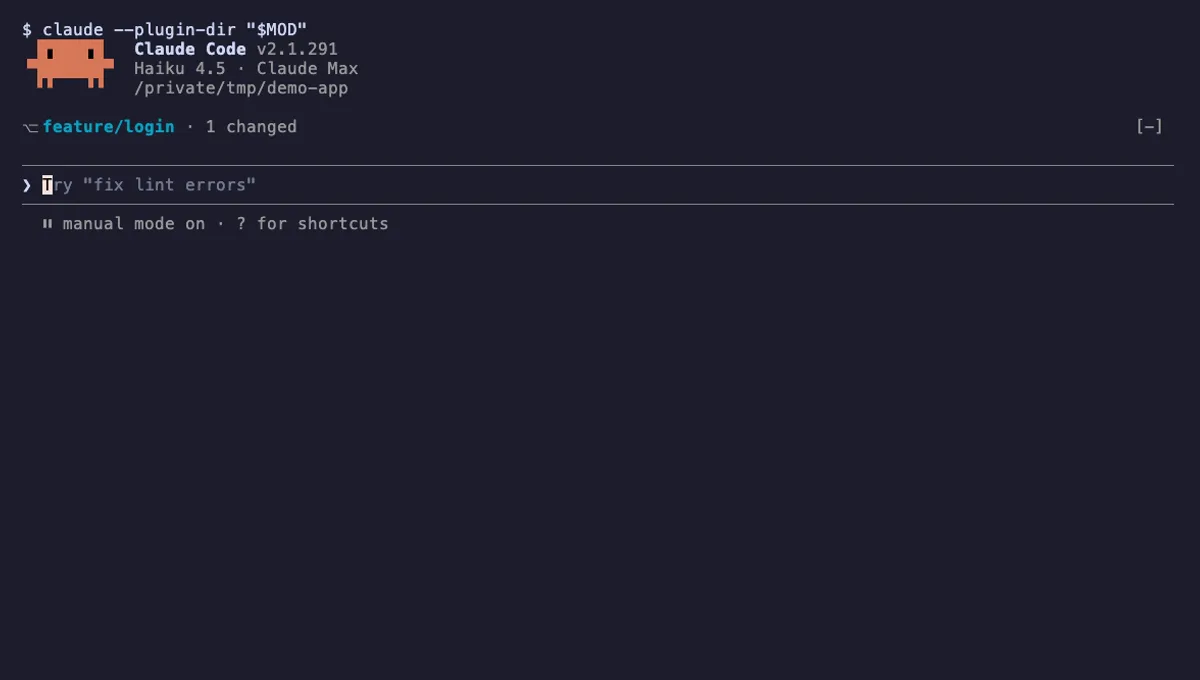
Shows your git branch, changed-file count and ahead/behind status in a one-line band above the Claude Code prompt.
- above-prompt
- Runs commands
- Intercepts tool calls
- Changes the UI
tested with v2.1.291
Done Toast
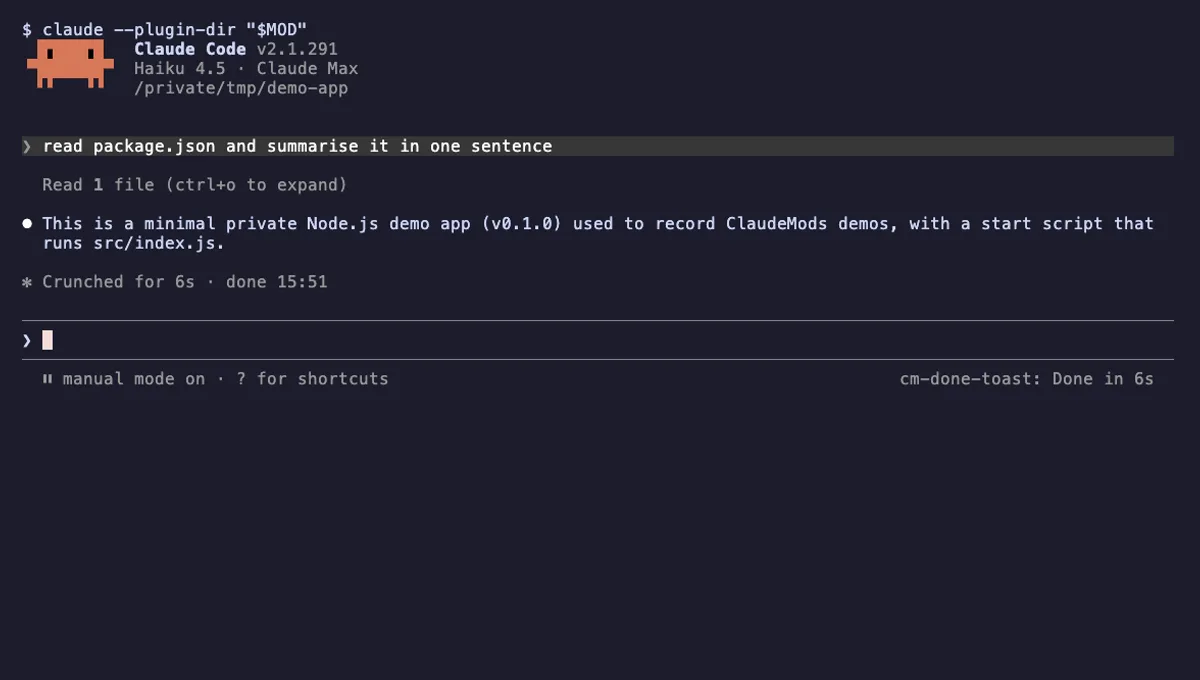
A "Done in 2m 14s" toast and a short chime when a long Claude turn finishes, plus an optional desktop notification.
- toast
- Runs commands
- Changes the UI
- Plays sound
tested with v2.1.291
More in Context, quota, cost, Status line & prompt bar.