Claude Code Git Branch Mod: Branch and Changes Above the Prompt
Shows your git branch, changed-file count and ahead/behind status in a one-line band above the Claude Code prompt.
Permissions
- Runs commandsCan run shell programs on your machine ($.process.run / spawn). Check the source for exactly which ones.
- Intercepts tool callsSees every tool call Claude makes (tool.call / tool.check) and could block or change it.
- Changes the UIDraws into the Claude Code interface: bands, panes, status text, toasts (ui.render / $.ui.*).
- tested with
- v2.1.291
- last tested
- requires
- Claude Code ≥ 2.1.287
- surfaces
- above-prompt
- source
- ClaudeMods (MIT)
Install inside Claude Code:
/plugin install cm-git-branch --marketplace rotbit/claudemods-marketplaceWhat does this mod do?
The Claude Code git branch mod puts one line above the input box that tells you where you are in git: ⎇ main · 3 changed · ↑1 ↓0. You see the branch name, how many paths git status reports as changed, and how far the branch is ahead of and behind its upstream. When HEAD is detached it shows the short commit hash instead. Outside a git repository the line simply does not appear.
It helps most when Claude is editing on your behalf. You notice right away if a session started on main instead of a feature branch, and the changed count climbs as Claude edits, so you know when it is time to review and commit. Requires Claude Code 2.1.287 or later.
Demo
The recording starts Claude Code with the mod loaded in a small demo project. Before the first prompt, the band above the input already shows the branch and the changed-file count. Claude is then asked to list the files in src; the band stays in place while the turn runs and is refreshed when the turn completes.
Install
Use any of the three methods in the install block. The one-line method works inside a running session; the shell method needs /reload-plugins in sessions that are already open.
$ install cm-git-branch
Requires Claude Code ≥ 2.1.287
1.One line, inside Claude Code
/plugin install cm-git-branch --marketplace rotbit/claudemods-marketplacePaste into a running session (v2.1.275+). Claude Code asks to add the marketplace first.
2.From your shell
claude plugin marketplace add rotbit/claudemods-marketplace claude plugin install cm-git-branch@claudemodsThen run /reload-plugins in any session that is already open.
3.Try it without installing
git clone https://github.com/rotbit/claudemods-marketplace claude --plugin-dir ./claudemods-marketplace/cm-git-branchLoads the mod for one session only. Nothing is added to your settings.
How it works
The mod keeps the latest git status in a $.state atom and draws it on the AbovePrompt render site. Here are the hooks from hooks/register.tsx:
on('session.start', async ($, e, next) => {
  const started = await next(e)
  await refresh($)
  $.clock.every(intervalMs, () => {
    refresh($).catch(() => undefined)
  })
  return started
})

on('turn.complete', async ($, e, next) => {
  const result = await next(e)
  if (e.agentId === undefined) await refresh($)
  return result
})

on('tool.call', { tool: 'Bash' }, async ($, e, next) => {
  const ran = await next(e)
  if (mentionsGit(e.command)) await refresh($)
  return ran
}).catch(($, e, next) => next(e))
There are three refresh points. session.start takes the first reading and starts a timer for changes made outside Claude Code. turn.complete refreshes after each main-loop turn; subagent turns (with an agentId) are skipped. The tool.call hook for Bash lets the command run first with await next(e), then refreshes only if the command mentions git or gh pr checkout/merge. Its .catch passes the call through, so a failure in the mod never blocks your command.
refresh runs a single git status --porcelain=v1 -b in $.session.cwd(). That one command gives the branch, upstream, ahead/behind and the changed list, so there is no need for separate rev-parse and rev-list calls. A pure parseStatus function in hooks/git.ts handles new repositories with no commits and detached HEAD. If git is missing or slow, the band is hidden rather than showing stale data.
Customize it
Change these options in /config under the mod's name; the mod reloads with the new values. The default for the timer is set at the top of register, Math.max(2_000, ... 15_000), which also enforces the 2-second floor. To change the band's look, edit the Text elements in the ui.render hook: the branch is drawn bold in cyan and the details are dimColor.
| Setting | Type | Default | What it does |
|---|---|---|---|
| intervalMs | number | 15000 | Refresh interval (ms). How often to re-read git status between turns, in milliseconds (at least 2000). |
| showAheadBehind | boolean | true | Show ahead/behind. Show commits ahead of and behind the upstream branch (↑1 ↓0). |
| hideWhenClean | boolean | false | Hide when clean. Hide the band while the work tree is clean and in sync with its upstream. |
Change these in Claude Code with /config — the mod hot-reloads.
Permissions & safety
Runs commands appears because the mod calls $.process.run. It runs exactly two programs: git status --porcelain=v1 -b, and git rev-parse --short HEAD only when HEAD is detached. Both are read-only, use an argv array with no shell, and have a 10-second timeout.
Intercepts tool calls appears because it hooks tool.call for Bash. It only observes: it never changes or denies a command, and it refreshes after the command has finished. Changes the UI covers the band.
It does not read file contents, use the network or call the model. To turn it off for good, run /plugin disable cm-git-branch; to start one session with all mods off, use claude --safe-mode.
- Runs commands
- Can run shell programs on your machine ($.process.run / spawn). Check the source for exactly which ones.
- Intercepts tool calls
- Sees every tool call Claude makes (tool.call / tool.check) and could block or change it.
- Changes the UI
- Draws into the Claude Code interface: bands, panes, status text, toasts (ui.render / $.ui.*).
Compatibility & troubleshooting
Tested with Claude Code 2.1.291 on macOS in the terminal. If the band does not show up, check these in order:
claude --versionis 2.1.287 or later.- The session was started inside a git repository;
git statusin the same folder should work. - The mod is enabled: the
/pluginmenu shows it in the Installed tab, with a "mod active" line. - You installed from the shell into an open session: run
/reload-plugins. - A survey or another prompt is open above the input. The band steps aside while it is visible and returns afterwards.
On very large repositories, raise intervalMs so git status runs less often.
FAQ
- Does the Claude Code git branch mod change my repository?
- No. It only runs git status --porcelain=v1 -b, plus git rev-parse --short HEAD when HEAD is detached. Both are read-only, run without a shell and time out after 10 seconds.
- Why does the band not appear?
- The most common reasons are that the session's folder is not a git repository, Claude Code is older than 2.1.287, the mod is disabled in /plugin, or a survey is using the space above the prompt. After installing from the shell, run /reload-plugins.
- Will it notice a checkout I make in another terminal?
- Yes, within one refresh interval (15 seconds by default). Lower intervalMs in /config if you want it sooner, down to 2 seconds.
- Does it work in the desktop app?
- Yes. The AbovePrompt band draws in the terminal and in the desktop Code tab. In claude -p and the VS Code extension chat panel mods run but draw nothing, so the band is not visible there.
- Can I hide the band when there is nothing to report?
- Turn on hideWhenClean. The band then disappears while the work tree is clean and in sync with its upstream.
# Related mods

Context Meter
Context-window fill, 5-hour and 7-day plan usage and session cost in the status line, plus a warning near the limit.
- status
- toast
- Changes the UI
tested with v2.1.291
Block Dangerous Commands
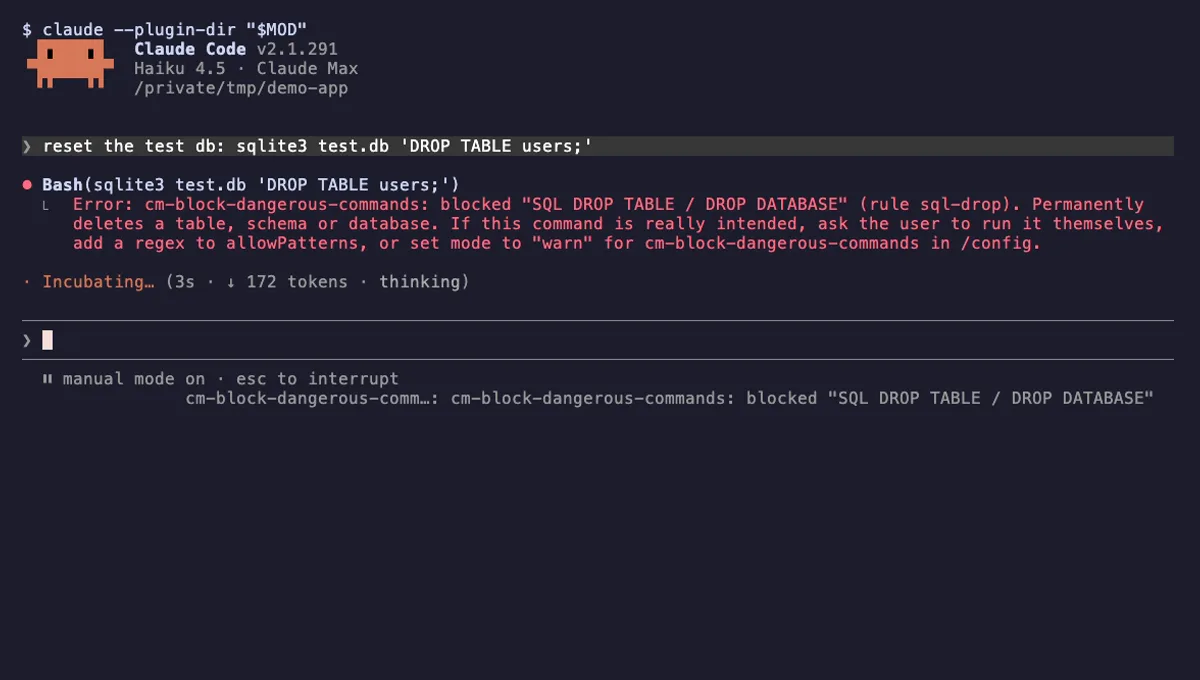
Refuses rm -rf /, force-push to main, DROP TABLE, curl | sh and other destructive Bash commands before they run.
- toast
- Intercepts tool calls
- Changes the UI
tested with v2.1.291

Tool Call Counter
Counts Claude's tool calls per turn and session, shows the count by the spinner, and adds /tally for a breakdown.
- spinner
- transcript
- status
- Intercepts tool calls
- Changes the UI
- Adds commands/tools
tested with v2.1.291
More in Git & GitHub, Status line & prompt bar.