Block Dangerous Commands Claude Code Would Run
Refuses rm -rf /, force-push to main, DROP TABLE, curl | sh and other destructive Bash commands before they run.
Permissions
- Intercepts tool callsSees every tool call Claude makes (tool.call / tool.check) and could block or change it.
- Changes the UIDraws into the Claude Code interface: bands, panes, status text, toasts (ui.render / $.ui.*).
- tested with
- v2.1.291
- last tested
- requires
- Claude Code ≥ 2.1.287
- surfaces
- toast
- source
- ClaudeMods (MIT)
Install inside Claude Code:
/plugin install cm-block-dangerous-commands --marketplace rotbit/claudemods-marketplaceWhat does this mod do?
This mod lets you block dangerous commands Claude Code is about to run through its Bash tool. Before any shell command executes, it is checked against a short list of rules. A match is refused, Claude is told which rule fired and why, and you see a toast with the rule name. Safe commands pass through untouched.
The built-in rules cover rm -rf on /, ~, $HOME, . or *; git push --force to main or master; git clean -fdx; SQL DROP TABLE, DROP DATABASE, DROP SCHEMA and TRUNCATE; chmod -R 777 /; mkfs; dd onto a disk device; redirecting output onto a raw disk; piping curl or wget into a shell; and the classic fork bomb. git reset --hard is available as an opt-in rule. Requires Claude Code 2.1.287 or later.
Demo
The recording asks Claude to do something destructive in a demo project. The mod refuses the Bash call, a toast names the rule that matched, and Claude reads the reason and responds without running the command.
Install
Use one of the install methods in the block. The guard is active from the next tool call; no restart is needed after /reload-plugins.
$ install cm-block-dangerous-commands
Requires Claude Code ≥ 2.1.287
1.One line, inside Claude Code
/plugin install cm-block-dangerous-commands --marketplace rotbit/claudemods-marketplacePaste into a running session (v2.1.275+). Claude Code asks to add the marketplace first.
2.From your shell
claude plugin marketplace add rotbit/claudemods-marketplace claude plugin install cm-block-dangerous-commands@claudemodsThen run /reload-plugins in any session that is already open.
3.Try it without installing
git clone https://github.com/rotbit/claudemods-marketplace claude --plugin-dir ./claudemods-marketplace/cm-block-dangerous-commandsLoads the mod for one session only. Nothing is added to your settings.
How it works
All of the logic sits in one tool.call hook. From hooks/register.ts:
on('tool.call', { tool: 'Bash' }, ($, e, next) => {
  const match = findMatch(e.command, settings)
  if (match === undefined) return next(e)

  if (settings.mode === 'warn') {
    $.ui.toast(`${$.plugin.name}: "${match.name}" is running (warn mode)`)
    return next(e)
  }

  $.ui.toast(`${$.plugin.name}: blocked "${match.name}"`)
  return { deny: denyReason($.plugin.name, match) }
}).catch(($, e, next) =>
  next.called
    ? next(e)
    : { deny: `${$.plugin.name}: its check failed, so the command was not run to be safe.` },
)
The matcher { tool: 'Bash' } means the hook only sees shell commands. findMatch in hooks/rules.ts checks allowPatterns first, then the built-in rules (skipping those switched off), then your extraPatterns. With no match, next(e) runs the command as usual. With a match, the hook returns { deny: reason }, and that reason becomes the tool result Claude reads.
The .catch handler is what makes this a guard and not just a filter. If the check throws before next was called, the call is denied rather than allowed: the mod fails closed. A session.start hook toasts once if any of your custom patterns is not a valid regular expression.
Each rule in rules.ts is plain data with an id, a name, a one-sentence reason and example commands that the tests check.
Customize it
Change these options in /config. mode: warn turns the guard into a notifier: matching commands still run, and you get a toast. extraPatterns and allowPatterns take JavaScript regular expressions, one per entry. To change a built-in rule, edit its pattern in the RULES array in hooks/rules.ts.
| Setting | Type | Default | What it does |
|---|---|---|---|
| mode | string (block | warn) | "block" | Mode. block refuses a matching command; warn lets it run and shows a toast. |
| blockForcePush | boolean | true | Block force-push to main/master. Refuse git push --force / -f / +main to main or master. |
| blockHardReset | boolean | false | Block git reset --hard. Also refuse git reset --hard (off by default: it is a common, recoverable-ish workflow). |
| extraPatterns | string | [] | Extra patterns. Additional JavaScript regular expressions; a Bash command matching any of them is treated as dangerous. |
| allowPatterns | string | [] | Allow patterns. JavaScript regular expressions; a Bash command matching any of them is never blocked, whatever else it matches. |
Change these in Claude Code with /config — the mod hot-reloads.
Permissions & safety
Intercepts tool calls is the reason the mod exists: it sees every Bash command before it runs and can deny it. It never rewrites a command, and it never runs one itself. Changes the UI covers the toasts. It has no file, network, model or command access of its own.
This is protection against accidents, not a sandbox. A command built to avoid the patterns will get through, so keep Claude Code's permission prompts on. Disable the mod with /plugin disable cm-block-dangerous-commands, or start a session with every mod off using claude --safe-mode.
- Intercepts tool calls
- Sees every tool call Claude makes (tool.call / tool.check) and could block or change it.
- Changes the UI
- Draws into the Claude Code interface: bands, panes, status text, toasts (ui.render / $.ui.*).
Compatibility & troubleshooting
Tested with Claude Code 2.1.291 in the terminal on macOS. If commands you expect to be blocked still run:
- Check
claude --versionis 2.1.287 or later and that the mod is enabled in/plugin. - Run
/reload-pluginsafter a shell install. - Check
modeisblock, notwarn, in/config. - Check that an
allowPatternsentry is not matching more than you meant. - The guard only covers the
Bashtool. File edits throughEditandWriteare not checked.
If a safe command is refused, add a narrow allow pattern rather than switching the whole mod to warn mode.
FAQ
- Does this replace Claude Code's permission prompts?
- No. It is a pattern guard against common accidents. An obfuscated command can get past a regular expression, so keep permission prompts and deny rules on.
- What does Claude see when a command is blocked?
- The call is denied with a reason that names the rule, explains why, and suggests asking you to run it yourself or adjusting allowPatterns or mode in /config. Claude usually picks a safer command or asks you.
- How do I allow one specific command?
- Add a regular expression to allowPatterns in /config. A match there always wins over the built-in rules and your extraPatterns.
- Is git reset --hard blocked?
- Not by default, because it is a common and often deliberate workflow. Turn on blockHardReset to block it.
- What if the mod itself crashes?
- The tool.call hook fails closed. If the check throws before the command ran, the command is denied with a message that the check failed.
# Related mods
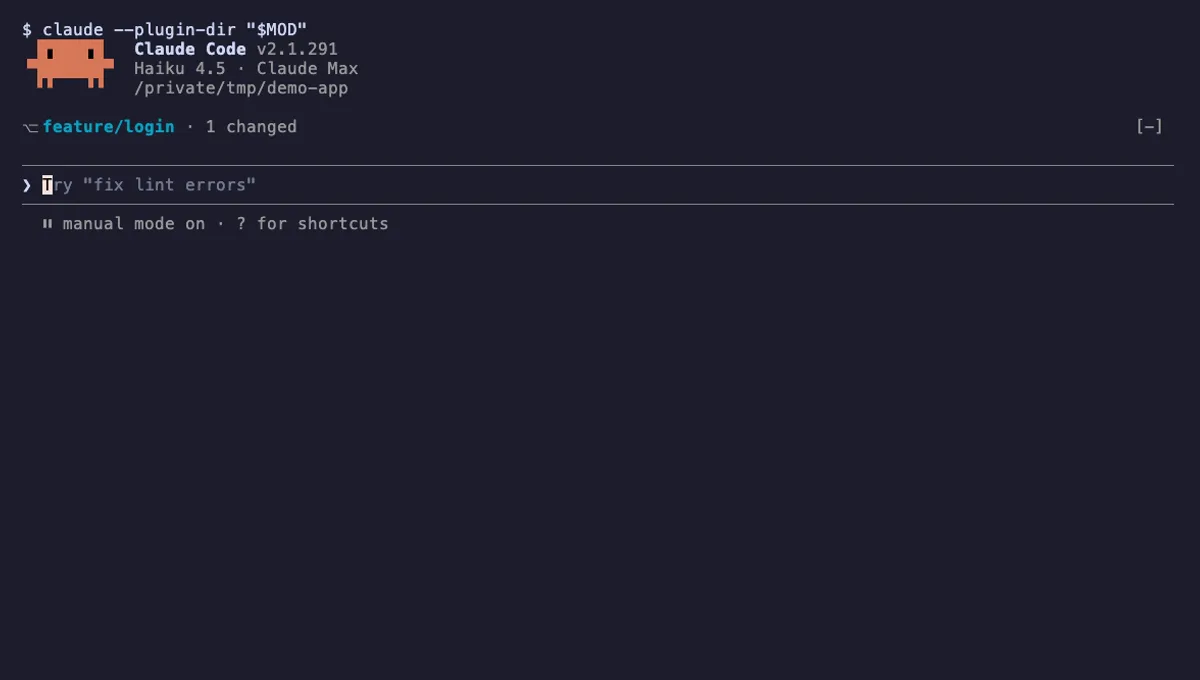
Git Branch Above Prompt
Shows your git branch, changed-file count and ahead/behind status in a one-line band above the Claude Code prompt.
- above-prompt
- Runs commands
- Intercepts tool calls
- Changes the UI
tested with v2.1.291
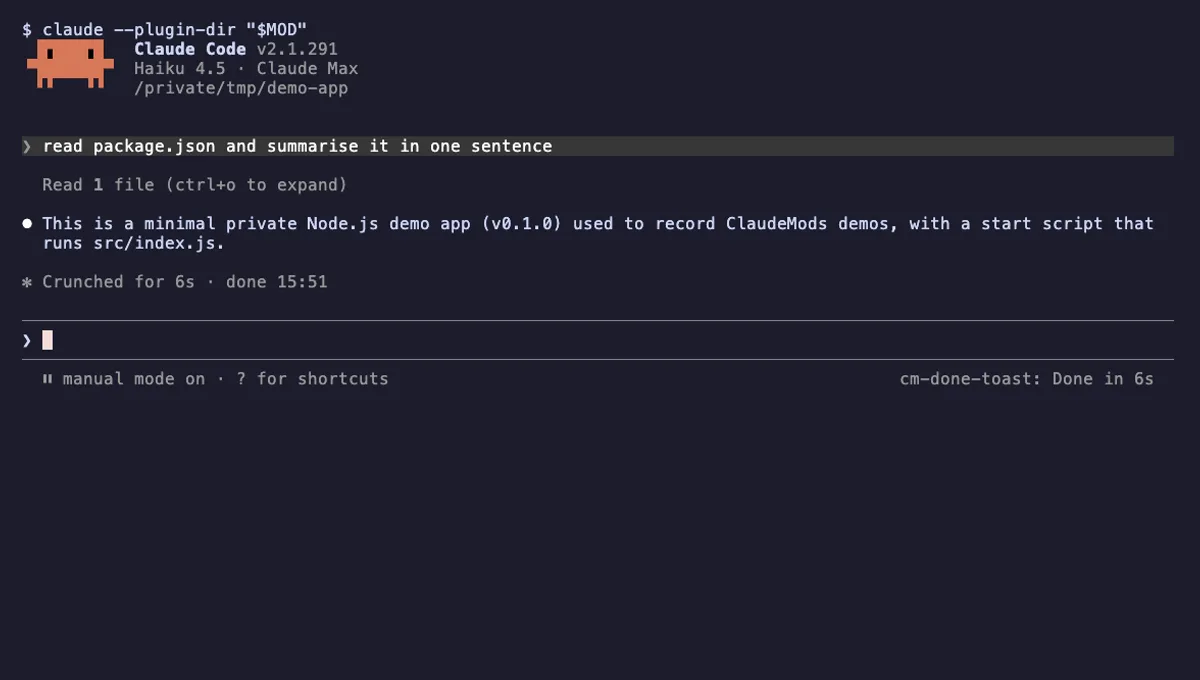
Done Toast
A "Done in 2m 14s" toast and a short chime when a long Claude turn finishes, plus an optional desktop notification.
- toast
- Runs commands
- Changes the UI
- Plays sound
tested with v2.1.291

Tool Call Counter
Counts Claude's tool calls per turn and session, shows the count by the spinner, and adds /tally for a breakdown.
- spinner
- transcript
- status
- Intercepts tool calls
- Changes the UI
- Adds commands/tools
tested with v2.1.291
More in Safety guards, Git & GitHub.