Claude Code Tool Call Counter with /tally
Counts Claude's tool calls per turn and session, shows the count by the spinner, and adds /tally for a breakdown.
Permissions
- Intercepts tool callsSees every tool call Claude makes (tool.call / tool.check) and could block or change it.
- Changes the UIDraws into the Claude Code interface: bands, panes, status text, toasts (ui.render / $.ui.*).
- Adds commands/toolsRegisters new slash commands or tools that you or Claude can invoke ($.command.register / $.tool.register).
- tested with
- v2.1.291
- last tested
- requires
- Claude Code ≥ 2.1.287
- surfaces
- spinner, transcript, status
- source
- ClaudeMods (MIT)
Install inside Claude Code:
/plugin install cm-tool-call-counter --marketplace rotbit/claudemods-marketplaceWhat does this mod do?
Tool Call Counter is a Claude Code tool call counter. While Claude works, the spinner line gets a suffix with this turn's count, for example · 7 tools, so you can see how busy a turn is without scrolling the transcript. Type /tally at any time for a table of the session so far:
**Tool calls** · this turn: 7 · this session: 41 (2 errors)

| Tool | Calls | Errors |
| --- | ---: | ---: |
| Bash | 18 | 2 |
| Read | 15 | 0 |
| Edit | 8 | 0 |
It is useful when you want to know why a turn took long, whether Claude is re-reading the same files, or how often its shell commands fail. Optionally, the status line keeps the running total: 🔧 41 tool calls (2 errors). Requires Claude Code 2.1.287 or later.
Demo
The recording asks Claude for a task that needs several tools. The spinner suffix counts up as calls are made, and running /tally afterwards prints the per-tool table.
Install
Install with one of the methods in the install block. /tally is registered when the session starts.
$ install cm-tool-call-counter
Requires Claude Code ≥ 2.1.287
1.One line, inside Claude Code
/plugin install cm-tool-call-counter --marketplace rotbit/claudemods-marketplacePaste into a running session (v2.1.275+). Claude Code asks to add the marketplace first.
2.From your shell
claude plugin marketplace add rotbit/claudemods-marketplace claude plugin install cm-tool-call-counter@claudemodsThen run /reload-plugins in any session that is already open.
3.Try it without installing
git clone https://github.com/rotbit/claudemods-marketplace claude --plugin-dir ./claudemods-marketplace/cm-tool-call-counterLoads the mod for one session only. Nothing is added to your settings.
How it works
The counting happens in one tool.call hook that observes every tool. From hooks/register.ts:
on('tool.call', async ($, e, next) => {
  const tool = String(e.tool)
  await update($, turn, t => addCall(t, tool))
  const now = await update($, session, t => addCall(t, tool))
  if (showInStatus) $.ui.status(statusText(now))

  const ran = await next(e)

  if (ran.deny !== undefined || ran.isError === true) {
    await update($, turn, t => addError(t, tool))
    const failed = await update($, session, t => addError(t, tool))
    if (showInStatus) $.ui.status(statusText(failed))
  }
  return ran
}).catch(($, e, next) => next(e))

on('ui.render', { component: 'Spinner' }, async ($, e, next) => {
  if (!showInSpinner) return next(e)
  const { count } = await read($, turn)
  if (count === 0) return next(e)
  return next({ ...e, props: { ...e.props, suffix: spinnerSuffix(e.props.suffix, count) } })
})
A call is counted as it starts, in two $.state atoms: turn, reset by a turn.start hook, and session. The hook then passes the call on unchanged with next(e) and, if the result was denied or flagged isError, records an error. The .catch runs the call anyway if counting throws, so the mod can never block a tool.
The ui.render hook for the Spinner site rewrites only the suffix prop and passes everything else to next, so Claude Code still draws its own spinner. Because the count is in $.state, the spinner redraws as soon as the number changes. /tally is registered in session.start with $.command.register, and a command.run hook for tally returns { text } built by formatTable in hooks/tally.ts.
Customize it
Change these options in /config. The spinner wording comes from spinnerSuffix and the status text from statusText, both in hooks/tally.ts. To sort the /tally table differently, edit the sort call in formatTable.
| Setting | Type | Default | What it does |
|---|---|---|---|
| showInSpinner | boolean | true | Show in spinner. Append " · N tools" (this turn's count) to the working spinner. |
| showInStatus | boolean | false | Show in status line. Also show the session's total tool calls and errors in the status line. |
Change these in Claude Code with /config — the mod hot-reloads.
Permissions & safety
Intercepts tool calls appears because the mod hooks tool.call for every tool. It only observes: it never denies or modifies a call, and it does not look at arguments beyond the tool name. Changes the UI covers the spinner suffix and the optional status text. Adds commands/tools covers /tally.
It runs no commands, reads no files, uses no network and stores nothing between sessions. Disable it with /plugin disable cm-tool-call-counter, or start a session with every mod off using claude --safe-mode.
- Intercepts tool calls
- Sees every tool call Claude makes (tool.call / tool.check) and could block or change it.
- Changes the UI
- Draws into the Claude Code interface: bands, panes, status text, toasts (ui.render / $.ui.*).
- Adds commands/tools
- Registers new slash commands or tools that you or Claude can invoke ($.command.register / $.tool.register).
Compatibility & troubleshooting
Tested with Claude Code 2.1.291 in the terminal on macOS. If you see no count:
- Check
claude --versionis 2.1.287 or later and the mod is enabled in/plugin. - Run
/reload-pluginsafter a shell install;/tallyappears once the session restarts the mod. - The suffix only shows while a turn has made at least one tool call.
showInSpinnermay be off in/config.
Counts cover the time since the mod loaded in this process, so they reset after a reload.
FAQ
- Does the tool call counter change or slow down tool calls?
- No. It counts the call, lets it run unchanged with next(e), and counts an error afterwards if the call failed. If counting itself fails, the .catch handler still runs the call.
- What counts as an error in /tally?
- A call whose result comes back with isError, or one that another hook denied, for example a safety mod refusing a Bash command.
- Does the session count survive a restart?
- No. Counts live in $.state, which lasts for the current Claude Code process. A new session or a mod reload starts from zero.
- Does /tally call the model?
- No. The command.run hook answers it directly from the counts the mod collected, so it is instant and uses no tokens.
- Can I see the total without opening /tally?
- Turn on showInStatus in /config to keep the session total and error count in the status line.
# Related mods

Context Meter
Context-window fill, 5-hour and 7-day plan usage and session cost in the status line, plus a warning near the limit.
- status
- toast
- Changes the UI
tested with v2.1.291
Block Dangerous Commands
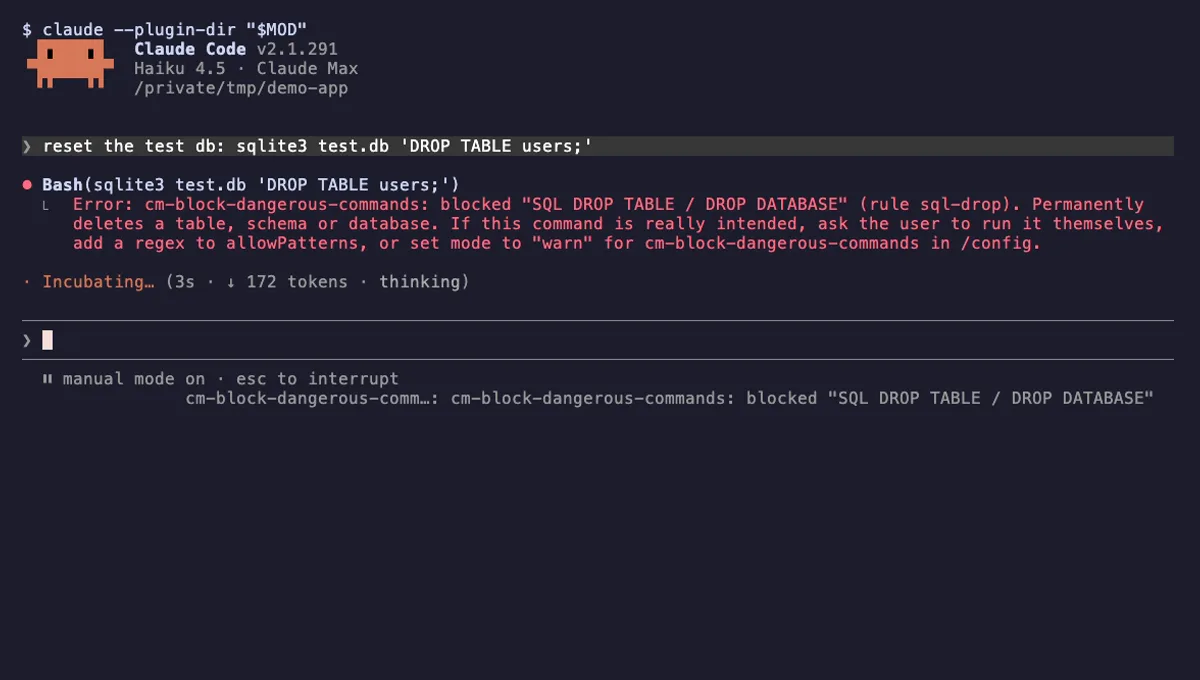
Refuses rm -rf /, force-push to main, DROP TABLE, curl | sh and other destructive Bash commands before they run.
- toast
- Intercepts tool calls
- Changes the UI
tested with v2.1.291
Git Branch Above Prompt
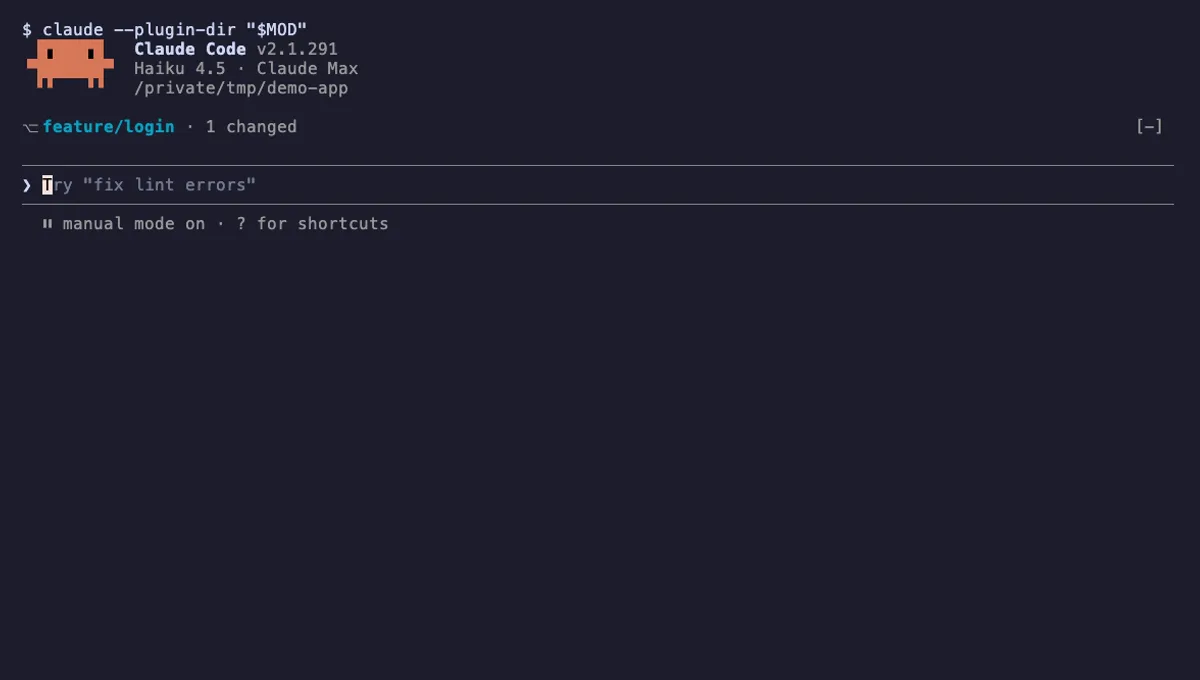
Shows your git branch, changed-file count and ahead/behind status in a one-line band above the Claude Code prompt.
- above-prompt
- Runs commands
- Intercepts tool calls
- Changes the UI
tested with v2.1.291
More in Slash commands, Context, quota, cost, Status line & prompt bar.