Context Inspector Claude Code mod: find Claude Code context waste
Shows what fills your Claude Code context, how much is re-reads and duplicates, and what compaction kept.
#20 in Best Claude Code ModsPermissions
- Writes filesCan create or overwrite files on your machine ($.fs.write).
- Intercepts tool callsSees every tool call Claude makes (tool.call / tool.check) and could block or change it.
- Reads your promptsCan see what you type and the conversation transcript (prompt.* / session.append / session.messages).
- Changes the UIDraws into the Claude Code interface: bands, panes, status text, toasts (ui.render / $.ui.*).
- Adds commands/toolsRegisters new slash commands or tools that you or Claude can invoke ($.command.register / $.tool.register).
- tested with
- v2.1.303
- last tested
- requires
- Claude Code ≥ 2.1.287
- surfaces
- status, pane, toast
- source
- YeonwooSung (Apache-2.0)
Install inside Claude Code:
/plugin install context-inspector --marketplace YeonwooSung/my-claude-code-modsWhat does this mod do?
Context Inspector is a community mod by YeonwooSung (my-claude-code-mods) that looks for Claude Code context waste. It keeps a ledger of everything that enters the conversation (prompts, replies, tool results, attachments) and answers three questions: what is filling the window now, why the same information keeps coming back, and what a compaction kept or lost.
It adds a status line such as ctx 62% · waste≈8.1k, where the percentage is measured and the waste is estimated. It also adds three commands. /context-inspect prints a text report with sections for overview, occupants, rereads, similar, compactions, efficiency and advice. /context-pane opens a live pane. /context-export saves the ledger as JSONL, metadata only.
The analyses are specific. Re-reads of a file are classified, for example unchanged while the earlier copy is still in the window (pure waste), after an edit, or after a compaction. Near-duplicate tool outputs are grouped by a lexical SimHash, not by meaning. After a compaction it checks whether edited and read files, errors and user identifiers still appear in the summary. The author's README requires Claude Code 2.1.287 or later.
Demo
The recording starts Claude Code with the mod loaded in the small demo project and asks Claude to read README.md and say what the project is in one sentence. When the turn ends, the footer shows context-inspector: ctx 4% · waste≈0. We then run /context-inspect. The report lists the live tokens (about 6.2k in 17 items), the top occupants by category (the skill listing, MCP instructions and deferred tools attachments), re-reads, similar outputs, compactions, efficiency and advice. In this short session nothing was read twice, so waste is zero and the advice says nothing stands out.
Install
Use any of the methods in the install block; they install straight from the author's own marketplace. The status line appears on the next session start, after the first turn completes.
$ install context-inspector
Requires Claude Code ≥ 2.1.287
Installs from the author's own marketplace: YeonwooSung/my-claude-code-mods
1.One line, inside Claude Code
/plugin install context-inspector --marketplace YeonwooSung/my-claude-code-modsPaste into a running session (v2.1.275+). Claude Code asks to add the marketplace first.
2.From your shell
claude plugin marketplace add YeonwooSung/my-claude-code-mods claude plugin install context-inspector@my-claude-code-modsThen run /reload-plugins in any session that is already open.
3.Try it without installing
git clone https://github.com/YeonwooSung/my-claude-code-mods claude --plugin-dir ./my-claude-code-mods/context-inspectorLoads the mod for one session only. Nothing is added to your settings.
How it works
The module is one register function in hooks/register.tsx that wraps events and hands them on unchanged. Every bookkeeping step goes through a helper that swallows its own errors, so the inspector cannot break a session. A tool call is recorded before and after it runs, and the answer is returned as it came:
on('tool.call', async ($, e, next) => {
  const id = e.tool_use_id
  if (id !== undefined) safe(() => ingestToolCall(ledger, id, String(e.tool), e.agentId, e as unknown as Record<string, unknown>))
  const answer = await next(e)
  if (id !== undefined) safe(() => ingestToolResult(ledger, id, answer))
  return answer
}).catch(($, e, next) => next(e))
That excerpt is from hooks/register.tsx. Rows arrive through session.append, measured request sizes through turn.step, and compactions through session.compact. After each turn, turn.complete queues one repaint that reads $.session.usage() and writes the status line. The analysis code in hooks/core/ is plain TypeScript with only local imports, and the ledger is capped at 20,000 items.
Customize it
Two options appear in /config. outputDir sets where /context-export writes; empty means ~/.claude/context-inspector. toastAdvice (on by default) shows one toast per session the first time a high-severity recommendation appears. Both commands accept arguments: /context-inspect advice shows one section, and --agents includes subagents.
Permissions & safety
We read every file the plugin can execute before running it: the manifest, hooks/hooks.json, hooks/register.tsx and all of hooks/core/, including the redaction rules. There is no package.json, install script, binary or bundled code, and the only imports are local files.
- Network, processes, daemons, telemetry: none. No fetch, no shell commands, nothing that keeps running after Claude Code exits.
- Changes the UI: the status line, a toast and the pane. Adds commands: the three above.
- Observes every tool call and row through
tool.call,session.append,turn.stepandsession.compact. These hooks are gating hooks, but each returns the next handler's result unchanged and has a.catchfallback; nothing is blocked or rewritten.validatealso notes thatsession.compacthooks do not run in an installed plugin where an organization manages Claude Code, unless the organization lists it. - File writes: only on
/context-export, through$.fs.write, under<outputDir>/<session id>/context-<load>-<n>.jsonl. The default is inside~/.claude, in the plugin's own subfolder. It readsHOMEto expand~. File paths are exported as they are, and other targets are masked on a best-effort basis; the author says to review exports before sharing them. - Prompt influence: none found. It injects no text into prompts or tool results; advice goes only to you.
- External requirements: none. License: Apache-2.0, LICENSE file present at the repo root.
claude plugin validate reported no errors and no warnings, only the notes above. The author's 102 tests passed on Claude Code 2.1.303.
- Writes files
- Can create or overwrite files on your machine ($.fs.write).
- Intercepts tool calls
- Sees every tool call Claude makes (tool.call / tool.check) and could block or change it.
- Reads your prompts
- Can see what you type and the conversation transcript (prompt.* / session.append / session.messages).
- Changes the UI
- Draws into the Claude Code interface: bands, panes, status text, toasts (ui.render / $.ui.*).
- Adds commands/tools
- Registers new slash commands or tools that you or Claude can invoke ($.command.register / $.tool.register).
Compatibility & troubleshooting
Checked with Claude Code 2.1.303 on macOS (validate and tests). If the status line is missing:
claude --versionis 2.1.287 or later.- A turn has completed; the line is painted after
turn.complete. /context-inspectprints the report even without a status line, so use it to check that the mod is loaded.- In the VS Code chat panel only hooks and command text work, so use
/context-inspectthere.
Known limits from the README: after a reload, resume or /clear the ledger starts again, and compaction survival is judged by substring match, so a paraphrased fact counts as lost.
FAQ
- Does Context Inspector change my session or call the model?
- No. The README says it only observes, and the code agrees. Its hooks pass every tool call, row, step and compaction through unchanged, and it never calls the model. Its only reads of Claude Code state are the usage figures and, once after a reload, the existing messages.
- Is the waste figure exact?
- No. Window occupancy comes from token counts the API reported, but the per-item sizes and the waste figure are estimates, marked with ≈ in the report. Item sizes are characters divided by four, scaled by a calibration factor between 0.5 and 2.0.
- What does /context-export write, and where?
- Metadata only, as JSONL files in <outputDir>/<session id>/. By default that is ~/.claude/context-inspector. File paths are kept as they are; commands, patterns and URLs are masked on a best-effort basis and cut to 200 characters. Nothing is written until you run the command.
- How does it differ from Context Bar?
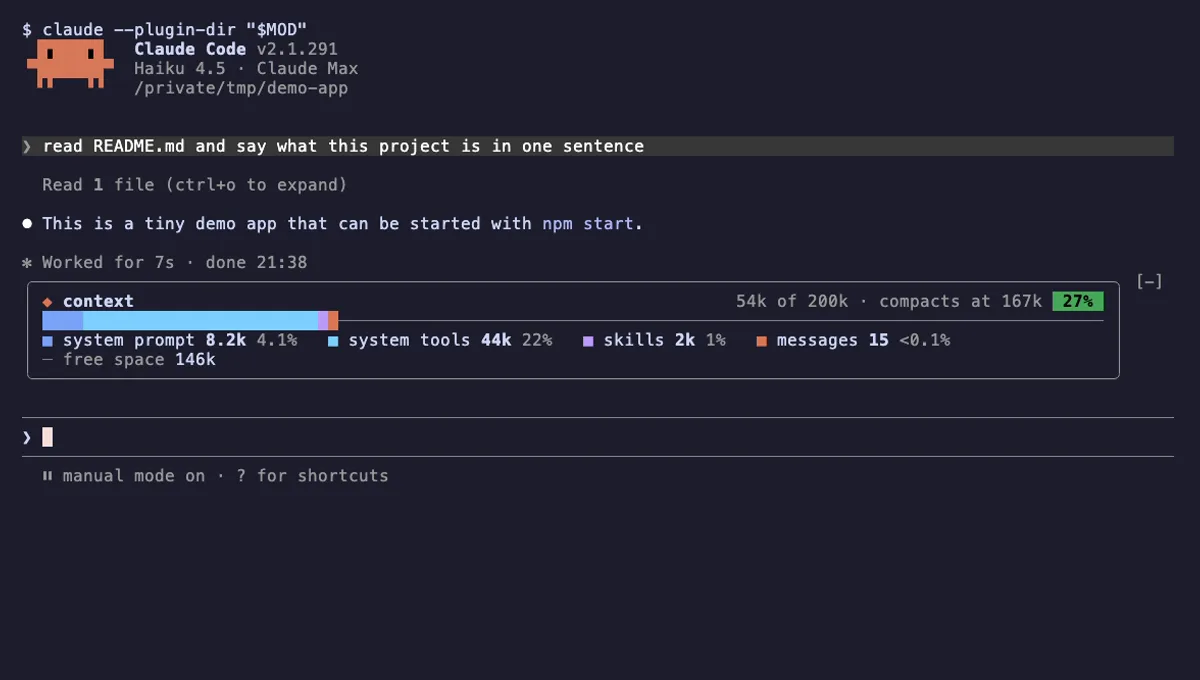
- Context Bar splits the window by category, the way /context does. Context Inspector tracks the individual items that entered the conversation, so it can say which file was read twice, which outputs repeat and which edited files compaction dropped. It adds a status line, a pane and a text report instead of a band.
- Does it work after /clear or a resume?
- Yes, with limits. The ledger is cleared, then the main conversation is read back once from the session messages. Attachments, subagents and timing are not recovered, and the first compaction after a reload counts the recovered prompts and replies as dropped.
# Related mods
 Featured
Context Bar
Your Claude Code context window as one stacked bar above the prompt, a color per category, with token counts.
- above-prompt
- Changes the UI
- Adds commands/tools
- Stores data
tested with v2.1.291
 Featured
Compact Adviser
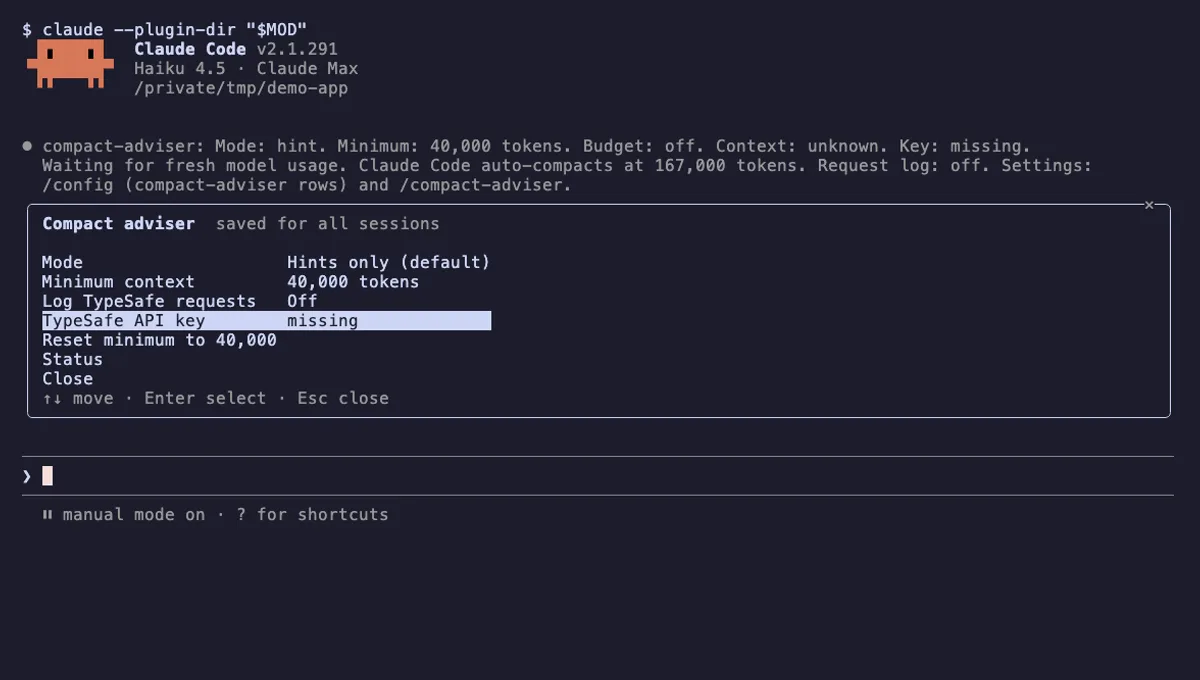
Suggests running /compact when your Claude Code session reaches a finished checkpoint, judged by TypeSafe's Jev model.
- status
- pane
- toast
- Reads files
- Writes files
- Network
- Reads your prompts
- Changes the UI
- Adds commands/tools
- Stores data
tested with v2.1.291
 Featured
Context Meter
Context-window fill, 5-hour and 7-day plan usage and session cost in the status line, plus a warning near the limit.
- status
- toast
- Changes the UI
tested with v2.1.310
More in Context, quota, cost, Slash commands, Panes & dashboards.