Image Preview Claude Code mod: Claude Code image preview on hover
Hover a pasted [Image #N] in Claude Code to see the picture, in a window by the pointer or drawn in the terminal.
Permissions
- Reads filesCan read files and list directories on your machine ($.fs.read / list / stat / exists).
- Runs commandsCan run shell programs on your machine ($.process.run / spawn). Check the source for exactly which ones.
- Reads your promptsCan see what you type and the conversation transcript (prompt.* / session.append / session.messages).
- Changes the UIDraws into the Claude Code interface: bands, panes, status text, toasts (ui.render / $.ui.*).
- tested with
- v2.1.303
- last tested
- requires
- Claude Code ≥ 2.1.287
- surfaces
- above-prompt, transcript
Install inside Claude Code:
/plugin install image-preview --marketplace midudev/better-claudeWhat does this mod do?
Image Preview is a community mod by Miguel Ángel Durán (midudev), one plugin in his better-claude collection. It adds a Claude Code image preview for pasted pictures. When you paste an image, Claude Code puts an [Image #1] placeholder in the prompt. This mod lists each placeholder in a row above the prompt, with the hint hover to preview · click to open. Put the pointer on one and the picture opens by the pointer. Move off and it closes.
The same works after you send the prompt: hover the [Image #N] in the first line of the sent prompt, or the ⎿ [Image #N] rows Claude Code lists under it, to see the picture again. Clicking an [Image #N] opens the image in the system viewer.
Where the terminal cannot draw pictures (Terminal.app, iTerm2, Warp, VS Code), the preview is a small borderless window outside the terminal, shown by the pointer on macOS, Windows and X11 Linux. In Ghostty and kitty the terminal draws the picture itself. Anywhere else, with the window option off or over SSH, it is drawn in colored block characters over the transcript. The author's README says cells are coarse: you see layout, not readable text.
Install
The install block above adds the author's own marketplace and installs the plugin from it. Hovering needs Claude Code's fullscreen interface, so set "tui": "fullscreen" in your settings or pick it in /config, then start a new session.
$ install image-preview
Requires Claude Code ≥ 2.1.287
Installs from the author's own marketplace: midudev/better-claude
1.One line, inside Claude Code
/plugin install image-preview --marketplace midudev/better-claudePaste into a running session (v2.1.275+). Claude Code asks to add the marketplace first.
2.From your shell
claude plugin marketplace add midudev/better-claude claude plugin install image-preview@better-claudeThen run /reload-plugins in any session that is already open.
3.Try it without installing
git clone https://github.com/midudev/better-claude claude --plugin-dir ./better-claude/plugins/image-previewLoads the mod for one session only. Nothing is added to your settings.
How it works
On session.start the mod looks at the environment to decide how a picture can be shown, then polls the prompt box twice a second, because a paste puts the placeholder in the box without an edit event. For each [Image #N] it finds Claude Code's stored copy under the session temp folder, shrinks it to 800 pixels and parses the result into pixels. A click opens the stored file with a system command. From hooks/register.tsx:
/** Opens image `id` in the system's viewer: Preview on macOS, the desktop's own elsewhere. */
async function openImage ($: Engine, id: number) {
  const file = await fileFor($, id)
  if (!file) return
  // ...
  const system = await platformOf($)
  const argv = system === 'macos' ? ['open', '-a', 'Preview', file] : system === 'windows' ? ['explorer', file.replaceAll('/', '\\')] : ['xdg-open', file]
  await $.process.run(argv).catch(() => undefined)
}
Each placeholder is a small Client surface module (hooks/chip.tsx) that reports when the pointer enters, moves on, leaves or clicks it; a ui.message hook then opens or closes the preview. In window mode, $.process.spawn starts a short script (osascript, PowerShell, or Python with Tk) that draws the window and prints a . ten times a second; when the mod stops reading, the script ends. A window lives at most 120 seconds.
Customize it
There is one option, Preview in a window (window, on by default), in /config. Turn it off to keep the preview inside the terminal. The environment variable CLAUDE_CODE_FORCE_TERMINAL_IMAGES=1 makes the mod send a PNG (up to 1024 pixels and 2 MB) to a terminal that Claude Code does not know draws pictures; the README says it only helps in terminals that support Claude Code's Unicode placeholders. The sizes (WINDOW_SIZE, WINDOW_LIFE, SOURCE_PIXELS and others) are constants at the top of register.tsx.
Permissions & safety
We read every file the plugin can execute or load before running anything: plugin.json, hooks/hooks.json, register.tsx, chip.tsx, pixels.ts, window.ts, the type declarations and the tests, plus the repository's package.json, marketplace file and LICENSE. There is no install script, dependency, bundled or minified code, hidden Unicode or remote code.
- Network: none. No
fetch, sockets or URLs in the code. - Runs commands (
$.process.run,$.process.spawn), always as argv arrays:uname -s,id -uandmkdir -pfor setup;sips,magick,convertor PowerShell to shrink the image;python3 -c "import tkinter"to check for Tk on Linux;open -a Preview,explorer,explorer.exewithwslpath -w, orxdg-openwhen you click an image; andosascript, PowerShell orpython3to draw the preview window. On Windows the PowerShell scripts run with-ExecutionPolicy Bypass -EncodedCommand, but the scripts are readable constants inwindow.ts. - Writes files: shrunk copies (
<n>.bmp,.png) in animage-previewfolder inside Claude Code's own session temp folder. On Windows the first window also compiles a small helper,image-preview-popup-1.dll, into%TEMP%. Nothing is written to~/.claude, settings files, shell rc files or LaunchAgents. - Reads: your pasted images from that temp folder, and environment variables about the terminal, display, temp folders and SSH or WSL (
TERM,TERM_PROGRAM,DISPLAY,TMP,WSL_DISTRO_NAMEand similar). No tokens or credentials, and nothing leaves the machine. - Background processes: only the preview window, which ends when the pointer leaves, when the mod stops reading, or after 120 seconds. No daemon, no telemetry.
- Gating hook:
prompt.submitalways callsnext(e)and returns its result; it only clears its own state and starts loading the images. It does not block or rewrite prompts. No text is injected into the model's context. - Window on screen: the macOS panel and the other windows sit above all other windows, including full-screen ones, and ignore the pointer so they never take focus.
- License: MIT, with a LICENSE file in the repository.
claude plugin validate reported no errors or warnings, and the author's 40 tests passed on Claude Code 2.1.303.
- Reads files
- Can read files and list directories on your machine ($.fs.read / list / stat / exists).
- Runs commands
- Can run shell programs on your machine ($.process.run / spawn). Check the source for exactly which ones.
- Reads your prompts
- Can see what you type and the conversation transcript (prompt.* / session.append / session.messages).
- Changes the UI
- Draws into the Claude Code interface: bands, panes, status text, toasts (ui.render / $.ui.*).
Compatibility & troubleshooting
Checked with Claude Code 2.1.303 on macOS (validate and tests). We did not run the hover interaction ourselves. If nothing opens:
- Claude Code is running fullscreen. Off fullscreen the terminal reports no pointer and the mod does nothing.
- Your terminal reports mouse motion. A multiplexer in between must pass it on; the README says herdr 0.9.1 did not.
- A converter is installed:
sipson macOS, ImageMagick on Linux, ImageMagick or PowerShell on Windows. The card otherwise says it cannot read the image. - On Linux the window needs X11 or XWayland, Python's Tk and ImageMagick. Under Wayland alone the terminal draws the card.
- The image came from this session. Images from another session are not found, and a sent prompt whose image was never stored is drawn as Claude Code draws it.
- A sent prompt's
[Image #N]takes the pointer and click only in the prompt's first line, before it would wrap.
To try it, run Claude Code fullscreen, paste a screenshot and move the pointer onto the [Image #1] row above the prompt. On macOS the default preview is a separate window outside the terminal.
FAQ
- Why does the Claude Code image preview need the fullscreen interface?
- Hovering needs the terminal to report mouse motion, and the mod only draws its chips when Claude Code runs fullscreen (set tui to fullscreen in your settings, or use /config). Off fullscreen the mod leaves the screen as it was.
- Does the mod upload my images anywhere?
- No. We found no network code. It reads the copy of the image that Claude Code already stores in its session temp folder, shrinks it with a local converter and shows it on your own screen.
- Which tools does it need to read the picture?
- sips on macOS, ImageMagick (magick or convert) on Linux, and ImageMagick or PowerShell on Windows and WSL. Without one of them the card says it cannot read the image.
- Can I keep the preview inside the terminal instead of a separate window?
- Yes. Turn off the "Preview in a window" option in /config. The terminal then draws the picture itself in Ghostty and kitty, or in colored block characters everywhere else. Over SSH the terminal draws it automatically.
- What happens when I click an [Image #N]?
- The image opens in the system viewer, with open -a Preview on macOS, explorer on Windows and xdg-open on Linux. Hovering alone never launches the viewer.
# Related mods
 Featured
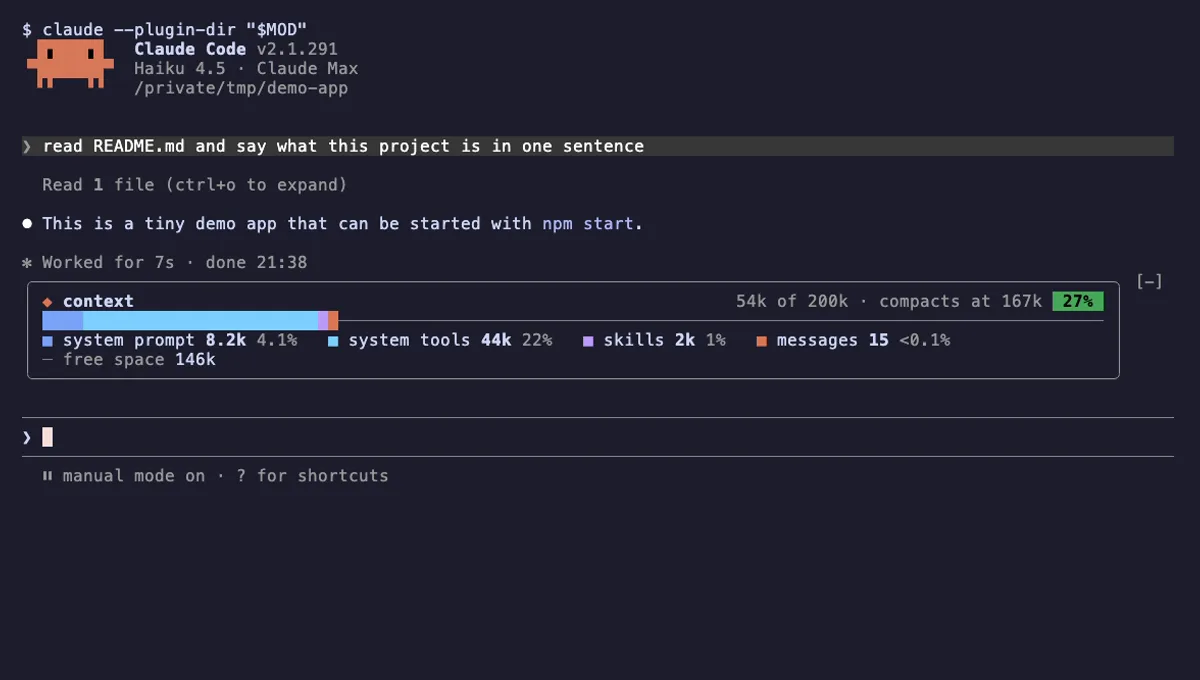
Context Bar
Your Claude Code context window as one stacked bar above the prompt, a color per category, with token counts.
- above-prompt
- Changes the UI
- Adds commands/tools
- Stores data
tested with v2.1.291
 Featured
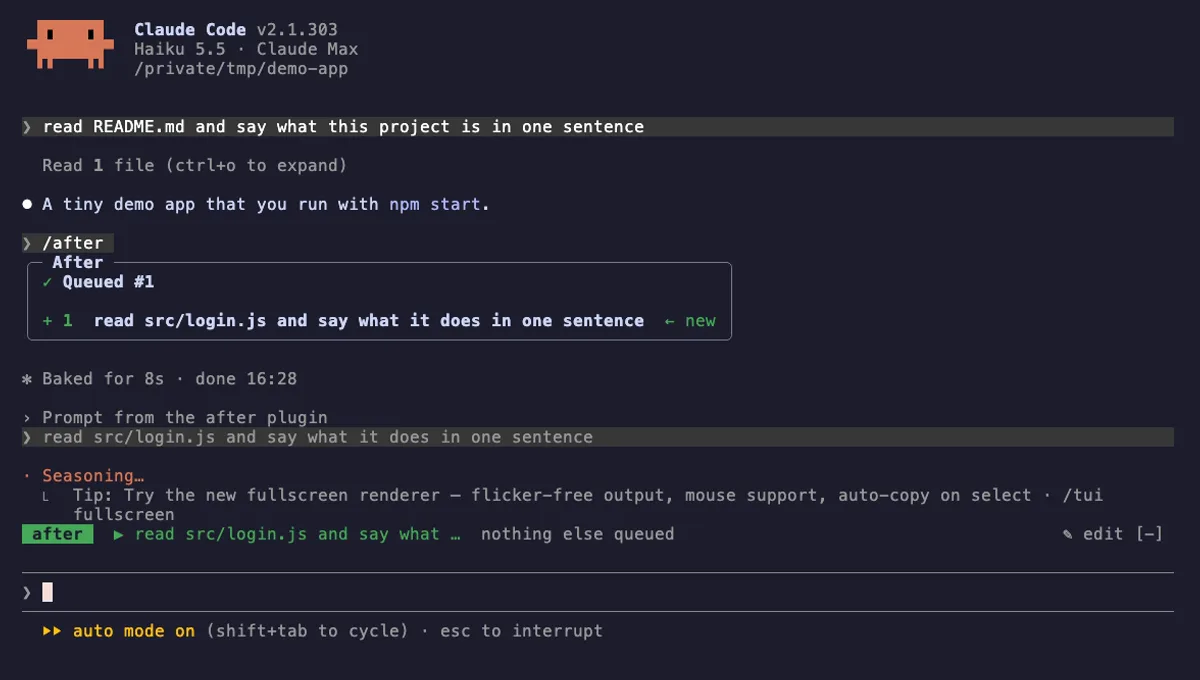
After
A prompt queue for Claude Code: /after runs your next task when the current one ends, without steering it.
- above-prompt
- pane
- toast
- status
- Calls the model (uses your quota)
- Reads your prompts
- Changes the UI
- Adds commands/tools
- Stores data
tested with v2.1.303
More in Timers, todos, standups.