cc-arcade: Claude Code Games Above the Prompt
Snake, Tetris, Doom, 2048 and more games above the Claude Code prompt, plus a pet fed by Claude's work.
Permissions
- Intercepts tool callsSees every tool call Claude makes (tool.call / tool.check) and could block or change it.
- Changes the UIDraws into the Claude Code interface: bands, panes, status text, toasts (ui.render / $.ui.*).
- Adds commands/toolsRegisters new slash commands or tools that you or Claude can invoke ($.command.register / $.tool.register).
- Stores dataKeeps data between sessions in the plugin's private store ($.store.*).
- tested with
- v2.1.291
- last tested
- requires
- Claude Code ≥ 2.1.287
- surfaces
- above-prompt, toast
- source
- Seza Akgün (sezaakgun) (MIT)
Install inside Claude Code:
/plugin install cc-arcade --marketplace sezaakgun/cc-arcadeWhat does this mod do?
cc-arcade is a community mod by Seza Akgün (sezaakgun). It puts small Claude Code games above the prompt for the minutes Claude spends working. Run /arcade and a row of buttons appears above the input box, one per game plus pet, random, auto and close. Click one, or name it with /arcade tetris, and the board takes the space above the prompt. Click the board to give it the keyboard; Esc hands the keyboard back to the prompt.
There are nine games: snake, Tetris, Doom (a first-person corridor shooter with four floors, three monsters and three weapons, raycast into half blocks), 2048, Minesweeper, Flappy, Pong, a typing test and Space Invaders. Each game keeps a best score across sessions, and a new best shows a toast. When Claude finishes a turn, the open game pauses and its status line turns yellow with ● Claude is done, so you do not miss the reply.
There is also a pet. It grows with the work Claude does: a passing test run, a successful git commit and file edits through Edit, Write or NotebookEdit give it XP and lift its mood, while failing tests hurt its mood. The author notes the games are clones of the genre and are not affiliated with the original publishers. The README says it needs Claude Code 2.1.269 or later, an interactive terminal that reports the mouse, and a font with box-drawing and block characters.
Demo
The recording opens the /arcade picker, then opens Doom with /arcade doom. The board appears above the prompt with its raycast view and a CLICK HERE TO PLAY banner; the game only takes the keyboard after you click the board, so the clip does not play it. Keys keep going to the prompt until you click.
Install
Use any of the methods in the install block; they install straight from the author's own marketplace. Then run /arcade in any session. After installing into a session that is already open, run /reload-plugins first.
$ install cc-arcade
Requires Claude Code ≥ 2.1.287
Installs from the author's own marketplace: sezaakgun/cc-arcade
1.One line, inside Claude Code
/plugin install cc-arcade --marketplace sezaakgun/cc-arcadePaste into a running session (v2.1.275+). Claude Code asks to add the marketplace first.
2.From your shell
claude plugin marketplace add sezaakgun/cc-arcade claude plugin install cc-arcade@cc-arcadeThen run /reload-plugins in any session that is already open.
3.Try it without installing
git clone https://github.com/sezaakgun/cc-arcade claude --plugin-dir ./cc-arcadeLoads the mod for one session only. Nothing is added to your settings.
How it works
hooks/register.tsx is the hooks module. It registers /arcade, draws the picker or the open board on the AbovePrompt render site, keeps best scores and the pet in $.store, and pauses the open game on turn.complete. Each board under hooks/boards/ is a surface module mounted as a Client element, with its own frame clock, keyboard and mouse. The game rules live in hooks/games/ as pure functions. Here is how the pet is fed, from hooks/register.tsx:
on('tool.call', async ($, e, next) => {
  const r = await next(e)
  const command = (e as { command?: unknown }).command
  const event = petEvent(e.tool, typeof command === 'string' ? command : undefined, 'deny' in r ? undefined : !r.isError)
  if (!event) return r
  const saved = await $.store.get('pet').catch(() => undefined)
  const current = isPet(saved) ? saved : pet ?? newPet($.clock.now())
  const fed = feed(current, event, $.clock.now())
  pet = fed
  await $.store.set('pet', fed).catch(err => $.ui.log(`cc-arcade: store write failed: ${err}`))
  // ...
  return r
})
The hook lets the tool run first with await next(e) and returns its result unchanged, so it never blocks or alters a call. petEvent in hooks/games/pet.ts matches the Bash command against a list of test runners (bun test, npm test, pytest, go test, cargo test and others) and git commit. The pet is re-read from the store before each update, so several sessions side by side feed the same pet. When a game round ends, the board posts its score with surface.post, and a ui.message hook keeps it if it beats the stored best.
Customize it
All options go through /arcade:
/arcadeopens the picker;/arcade <game>opens one directly./arcade randompicks any game except the pet and the one you just played./arcade autopicks for the moment: the pet if a test run failed in the last five minutes, a longer game if Claude has worked for a minute or more, a quick round while it is working, and 2048 or Minesweeper when it is idle./arcade listshows every game with your best score./arcade colorblindswitches Doom to a palette that does not rely on red against green, and the setting is remembered./arcade stopcloses the arcade.
Permissions & safety
We read every file the plugin loads before we ran it. The plugin makes no network calls, runs no commands and reads or writes no files. Changes the UI covers the boards above the prompt and the toasts. Adds commands/tools covers /arcade. Stores data covers the best scores, the pet and the colour-blind setting, all in the plugin's own $.store.
Intercepts tool calls appears because it hooks every tool.call with no matcher, so it sees each Bash command's text and whether the call failed. It only observes: it waits for the call to finish and returns the result unchanged, and it stores counters only, never the command text. claude plugin validate reported no warnings.
- Intercepts tool calls
- Sees every tool call Claude makes (tool.call / tool.check) and could block or change it.
- Changes the UI
- Draws into the Claude Code interface: bands, panes, status text, toasts (ui.render / $.ui.*).
- Adds commands/tools
- Registers new slash commands or tools that you or Claude can invoke ($.command.register / $.tool.register).
- Stores data
- Keeps data between sessions in the plugin's private store ($.store.*).
Compatibility & troubleshooting
We validated it with Claude Code 2.1.291 on macOS, and the author's 32 bun test unit tests pass. claude plugin test cannot load them because they import bun:test. Nothing is drawn in claude -p, the desktop app or mobile; the board needs an interactive terminal.
/arcadeis an unknown command. The README says function hooks must be on: setCLAUDE_CODE_ENABLE_FUNCTION_HOOKS=1in theenvblock of~/.claude/settings.json, and check the plugin is loaded in/plugin.- Keys go to the prompt. Click the board first.
- Clicks do nothing. Your terminal does not report the mouse.
/arcade <game>still opens a game, but a board cannot get the keyboard without a click. - Boxes instead of blocks. Use a terminal font with box-drawing and block characters.
A taller terminal gives bigger boards; the band gets about half the terminal height.
FAQ
- Which games are included in cc-arcade?
- Snake, Tetris, Doom (a small raycast corridor shooter, not a port), 2048, Minesweeper, Flappy, Pong against the computer, a typing test and Space Invaders. There is also a pet that grows as Claude works.
- Why do my keys go to the prompt instead of the game?
- A board only gets the keyboard after you click it. Press Esc to hand the keyboard back to the prompt. Your terminal must report mouse clicks for this to work.
- Will I miss Claude's reply while playing?
- No. When the turn finishes, the open game pauses and its status line turns yellow and starts with "● Claude is done". Press a key to carry on or Esc to go read the reply.
- Does playing use tokens?
- No. The plugin answers every click and command itself without calling the model, and it makes no network calls.
- What does the pet see?
- It hooks every tool call to check whether a Bash command was a test run or a git commit, or whether Claude edited a file. Only counters are stored, in the plugin's own store; command text, paths and prompts are not kept.
# Related mods

Tool Call Counter
Counts Claude's tool calls per turn and session, shows the count by the spinner, and adds /tally for a breakdown.
- spinner
- transcript
- status
- Intercepts tool calls
- Changes the UI
- Adds commands/tools
tested with v2.1.291
Done Toast
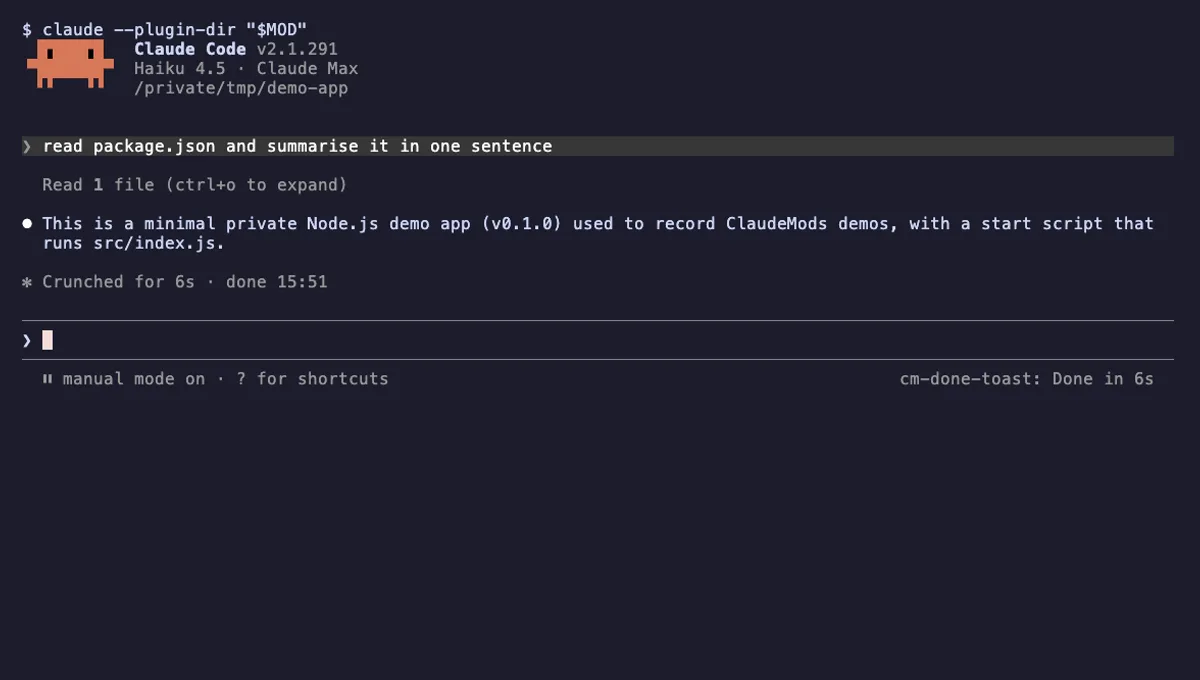
A "Done in 2m 14s" toast and a short chime when a long Claude turn finishes, plus an optional desktop notification.
- toast
- Runs commands
- Changes the UI
- Plays sound
tested with v2.1.291
More in Timers, todos, standups, Slash commands.