Claudinho Claude Code mod: live football scores in Claude Code
Live football scores above the Claude Code prompt, with goal toasts, a goal celebration and a match pane.
Permissions
- Reads filesCan read files and list directories on your machine ($.fs.read / list / stat / exists).
- Runs commandsCan run shell programs on your machine ($.process.run / spawn). Check the source for exactly which ones.
- Reads your promptsCan see what you type and the conversation transcript (prompt.* / session.append / session.messages).
- Changes the UIDraws into the Claude Code interface: bands, panes, status text, toasts (ui.render / $.ui.*).
- Adds commands/toolsRegisters new slash commands or tools that you or Claude can invoke ($.command.register / $.tool.register).
- tested with
- v2.1.303
- last tested
- requires
- Claude Code ≥ 2.1.287
- surfaces
- above-prompt, pane, toast
Install inside Claude Code:
/plugin install claudinho --marketplace arturogarrido/claudinhoWhat does this mod do?
Claudinho is a community mod by Arturo Garrido (arturogarrido) that puts live football scores in Claude Code. For the competition you follow, it shows either the live score (⚽ ARS 2–1 CHE 50', the score in bold) or the countdown to the next match (⚽ ARS vs LEE in 7h13m) in a band above the prompt. Typing /claudinho prints the same line on demand, followed by the data provider's name and a non-affiliation sentence.
On top of the band, the author's README describes four more things:
- Toasts that say what happened: a goal and its scorer, a goal against, a corrected score, penalties, and full time with the result. By default only your pinned team's match raises a toast.
- A goal celebration: Anthropic's Claude mascot as text art and
GOAL!for about three seconds in the band, when your team scores, and once more when it wins or draws. - A match pane:
/claudinho matchopens a pane with the match, its goals and cards. - Score context for the model: while a match is live, each prompt you send carries the current score, so Claude knows it.
The plugin does not fetch football data. It runs the claudinho command-line tool you install separately, which reads ESPN and keeps a local cache. The band, toasts and pane are drawn from that tool's JSON answers. The plugin's own text is available in English, Spanish, Portuguese and French.
Install
Use any of the methods in the install block; they install straight from the author's own marketplace. Before the band shows anything, install the CLI it reads (Node.js 20 or later) and pick a competition, as the README describes: npm i -g @claudinho/cli, then claudinho follow premier-league --team Arsenal. The plugin needs @claudinho/cli 0.12.0 or later for everything on the README; an older 0.11.2 CLI gives a reduced version.
$ install claudinho
Requires Claude Code ≥ 2.1.287
Installs from the author's own marketplace: arturogarrido/claudinho
1.One line, inside Claude Code
/plugin install claudinho --marketplace arturogarrido/claudinhoPaste into a running session (v2.1.275+). Claude Code asks to add the marketplace first.
2.From your shell
claude plugin marketplace add arturogarrido/claudinho claude plugin install claudinho@claudinhoThen run /reload-plugins in any session that is already open.
3.Try it without installing
git clone https://github.com/arturogarrido/claudinho claude --plugin-dir ./claudinho/packages/pluginLoads the mod for one session only. Nothing is added to your settings.
How it works
The plugin is one hooks module, hooks/register.tsx. Every 15 seconds while a terminal or desktop window is attached (every five minutes on an idle line), it runs the CLI with an argument list and no shell, reads the first line of the JSON it prints, and draws the result. From register.tsx:
result = await $.process.run(['claudinho', 'ambient', '--json', '--columns', String(columns), ...langArgs(lang)], {
  timeoutMs: RUN_TIMEOUT_MS,
  stdin: '',
  ...(env ? { env } : {}),
})
RUN_TIMEOUT_MS is 2 seconds. A missing binary, a timeout or an answer that is not the expected object shows nothing and never blocks a turn. The toasts come from comparing two successive readings of the same match. /claudinho match runs claudinho match <id> --json once and re-reads it every two minutes while the match is in play, or when the band sees the score change. The celebration is held while Claude is working and plays when the turn ends, if it is within a minute of the goal.
Customize it
Four options appear in /config, and changing one reloads the plugin:
toasts:pinned(default),alloroff.celebrate:on(default) oroff.context:on(default) oroff. Off sends nothing with your prompts.language:auto(default),en,es,ptorfr. Underauto,CLAUDINHO_LANGand thenLANGdecide.
Which team is pinned and which competition you follow are set with the CLI (claudinho follow <alias> --team <name>), not in the plugin.
Permissions & safety
We read every file the plugin can execute before running it: .claude-plugin/plugin.json, hooks/hooks.json, hooks/register.tsx (2,191 lines) and the type declarations, and searched the test files for process, network, file and eval calls (none). There is no package.json in the plugin directory, no install script, no bundled or minified code and no binary. We found no hidden or zero-width characters. Here is what we found:
- Runs a program:
$.process.runstarts onlyclaudinho(ambient --json, andmatch <id> --json), as an argument array with an empty stdin, a 2 second limit (5 seconds for the pane). It is found through thePATH, which the plugin extends with the usual global-bin folders (nvm, Volta, pnpm, Bun, npm-global,~/.local/bin, Homebrew,/usr/local/bin). It runs whicheverclaudinhoit finds first, so it is only as safe as the CLI you installed. We did not audit the CLI. - Network: none in the plugin. The CLI contacts ESPN, and Polymarket for a World Cup match signal in the pane, according to the author's PRIVACY.md. We did not verify what the CLI sends.
- Reads on your machine: the environment variables
OS,PATH,HOME,CLAUDINHO_LANGandLANG, and a listing of~/.nvm/versions/node(the first 256 entries) with an existence check forbin/claudinho. It reads no file contents and writes no file. It writes no environment variables. - Adds text to prompts: the
prompt.submithook appends the CLI's live-score note (view.context) to the prompt context when a live match was read less than 30 seconds ago. It does not read, change or store your prompt, and it is not a gate. It is on by default; setcontexttooffto stop it. The note is whatever the CLI prints, so its wording is the CLI's, not the plugin's. - Gating hooks:
claude plugin validatelistsui.close{id=match}andprompt.submitas hooks without.catch. Both pass the event on withnext(e)and neither blocks or rewrites a tool call. - Daemons, telemetry, obfuscation: no daemon, no analytics, no
evalor remote code. Timers live only while Claude Code runs. - Outside its store: nothing in the plugin. Separately, the README says
claudinho init plugin(a CLI command you run yourself) removes Claudinho's own statusline and prompt hook from~/.claude/settings.jsonso the score is not shown twice. It keeps other settings. We did not read that code. - Anthropic's mascot: the celebration draws Anthropic's Claude mascot. The README says it is removed if Anthropic asks.
- License: MIT,
LICENSEfile present, which allows redistribution.
claude plugin validate reported no errors and no warnings. The author's 791 tests across 12 files passed on Claude Code 2.1.303.
- Reads files
- Can read files and list directories on your machine ($.fs.read / list / stat / exists).
- Runs commands
- Can run shell programs on your machine ($.process.run / spawn). Check the source for exactly which ones.
- Reads your prompts
- Can see what you type and the conversation transcript (prompt.* / session.append / session.messages).
- Changes the UI
- Draws into the Claude Code interface: bands, panes, status text, toasts (ui.render / $.ui.*).
- Adds commands/tools
- Registers new slash commands or tools that you or Claude can invoke ($.command.register / $.tool.register).
Compatibility & troubleshooting
Checked with Claude Code 2.1.303 on macOS (validate and tests only; we did not run it against live data). If the band is empty:
claudinho --versionworks in a terminal and is 0.12.0 or later.- You picked a competition: with none, the band says
⚽ claudinho follow, or nothing. - The CLI is installed in a folder the plugin looks in. A CLI installed anywhere else leaves the band empty and
/claudinhoanswersThe CLI gave no answer. - A terminal or the desktop app's Code tab is attached. With
claude -por the SDK the band does not run. - For toasts, you pinned a team with
claudinho follow <alias> --team <name>, or settoaststoall.
Toasts are best effort: the author notes a goal the plugin could not confirm is said late, and full time is only said from a current reading.
The band only has something to show around a match: a countdown before kickoff and the score while the match is live.
FAQ
- Do I need to install anything besides the plugin?
- Yes. The plugin draws nothing by itself. It runs the claudinho command from the npm package @claudinho/cli (Node.js 20 or later), and that CLI owns the football data. Without the CLI on your PATH the band stays empty and /claudinho answers "The CLI gave no answer."
- Does the plugin send my prompts or files anywhere?
- Not in the code we read. The plugin makes no network request. It runs the CLI with arguments that come from the CLI's own answers, the band width and the language, never from your prompts. The CLI's requests go to ESPN, and the author says they carry football parameters only. We did not audit the CLI.
- Does it add text to my prompts?
- Yes, by default. While a match is live, the prompt.submit hook attaches the CLI's short live-score note to each prompt you send, so Claude can read it. Set the context option to off in /config to send nothing.
- How do I turn off the toasts or the goal celebration?
- Open /config. The toasts option takes pinned (the default), all or off, and celebrate takes on or off. The default pinned shows toasts only for the team you pinned with claudinho follow, so with no pinned team nothing toasts.
- Does it work in headless mode or in the desktop app?
- The band, toasts and pane draw in the terminal and the desktop app's Code tab. With claude -p or the SDK the band runs nothing, but /claudinho still answers when you type it.
# Related mods
 Featured
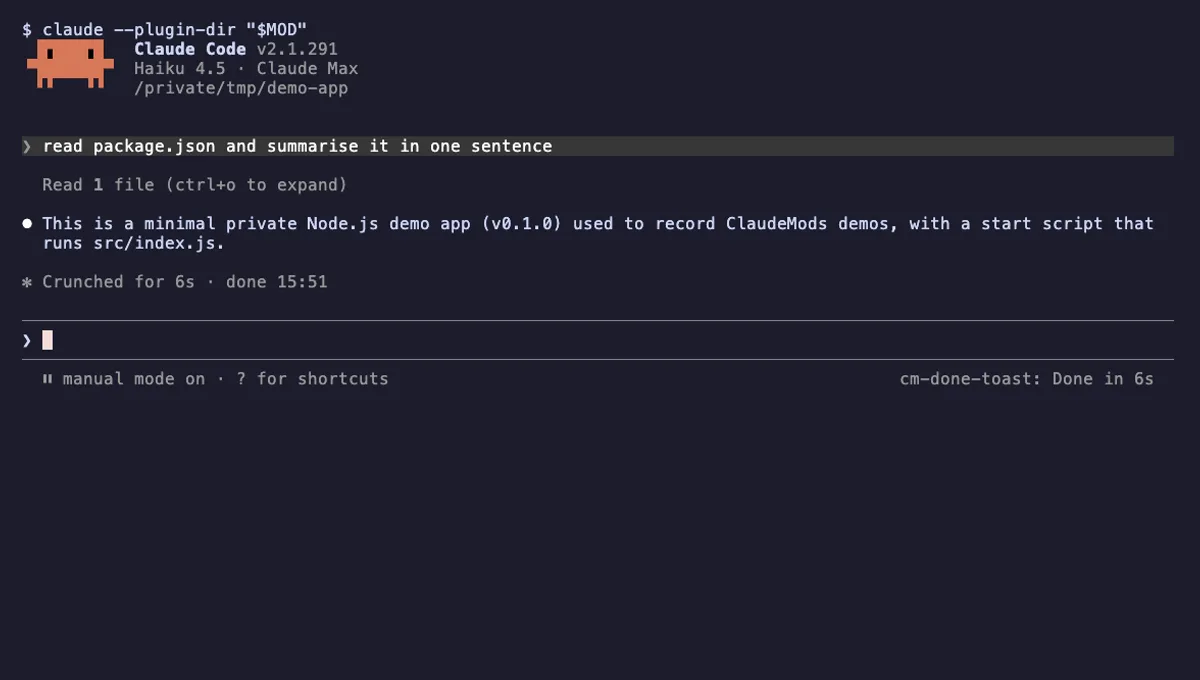
Done Toast
A "Done in 2m 14s" toast and a short chime when a long Claude turn finishes, plus an optional desktop notification.
- toast
- Runs commands
- Changes the UI
- Plays sound
tested with v2.1.310
 Featured
Context Meter
Context-window fill, 5-hour and 7-day plan usage and session cost in the status line, plus a warning near the limit.
- status
- toast
- Changes the UI
tested with v2.1.310