Loop Detective Claude Code mod: catch Claude Code repeated failures
Opens a case when the same Bash command fails the same way three times in a row, and shows it in the status line.
#15 in Best Claude Code ModsPermissions
- Intercepts tool callsSees every tool call Claude makes (tool.call / tool.check) and could block or change it.
- Changes the UIDraws into the Claude Code interface: bands, panes, status text, toasts (ui.render / $.ui.*).
- Adds commands/toolsRegisters new slash commands or tools that you or Claude can invoke ($.command.register / $.tool.register).
- tested with
- v2.1.303
- last tested
- requires
- Claude Code ≥ 2.1.287
- surfaces
- status, toast, pane
- source
- YeonwooSung (Apache-2.0)
Install inside Claude Code:
/plugin install loop-detective --marketplace YeonwooSung/my-claude-code-modsWhat does this mod do?
Loop Detective is a community mod by YeonwooSung (YeonwooSung), part of the my-claude-code-mods collection. It watches for Claude Code repeated failures: the same Bash command, run again and again, failing the same way. After three identical failures it opens a case and tells you in three places: the status line reads loop: 1 active · max 3 failures, a toast names the case, and /loop-report prints the evidence.
A report lists the command, the working directory, the failure line, the call numbers and, when Claude edited files between the retries, the paths it edited. A case with at least two such edit-and-retry steps is labelled edit-retry; otherwise it is retry. The report ends with a hint such as "compare inputs and environment; formulate a different hypothesis before retrying". The author is careful to say these are lexical observations, not proof of a lack of progress. Besides /loop-report (add --agents for subagents and --history for closed cases), there are /loop-pane, which opens a live pane, and /loop-reset, which clears the observations. The README needs Claude Code 2.1.287 or later.
Install
Use any of the methods in the install block; they install straight from the author's own marketplace. The status line shows loop: no active cases from the next session start.
$ install loop-detective
Requires Claude Code ≥ 2.1.287
Installs from the author's own marketplace: YeonwooSung/my-claude-code-mods
1.One line, inside Claude Code
/plugin install loop-detective --marketplace YeonwooSung/my-claude-code-modsPaste into a running session (v2.1.275+). Claude Code asks to add the marketplace first.
2.From your shell
claude plugin marketplace add YeonwooSung/my-claude-code-mods claude plugin install loop-detective@my-claude-code-modsThen run /reload-plugins in any session that is already open.
3.Try it without installing
git clone https://github.com/YeonwooSung/my-claude-code-mods claude --plugin-dir ./my-claude-code-mods/loop-detectiveLoads the mod for one session only. Nothing is added to your settings.
How it works
The mod keeps a Detector object in memory. Every Bash call is given a fingerprint from the agent, the session directory and a hash of the exact command; the result is classified as failure, success or unknown. Here is the hook, from hooks/register.tsx:
let answer
try {
  // Never attach a fallback that could execute this tool a second time.
  answer = await next(e)
} catch (error) {
  if (ticket) safe(() => own.finish(ticket!, {}))
  if (own === detector) paint($)
  throw error
}
The tool runs first and its answer is returned as it came. Afterwards finish in hooks/core/detector.ts compares the failure signature with the previous one for that group. A different signature or a lower failure count restarts the streak. A success closes the case as recovered, a different failure as changed, and denied, interrupted, timed-out, background or oversized (over 65,536 characters) results as unknown. Idle cases expire after 200 later tool starts.
Customize it
Two options are available in the plugin settings (/plugin menu):
| Option | Default | Meaning |
|---|---|---|
threshold |
3 |
Consecutive identical failures before a case opens; whole numbers 3 to 10, anything else falls back to 3. |
toastAlerts |
true |
Show one toast when a case opens. |
The threshold is read when the mod loads or observations reset.
Permissions & safety
We read every file the plugin can execute before running anything: plugin.json, hooks/hooks.json, hooks/register.tsx and the four modules in hooks/core/ (detector.ts, fingerprint.ts, redact.ts, report.ts). They import only each other. There is no package.json, install script, binary, minified code, eval or dynamic import. The repository has an Apache-2.0 LICENSE file at its root.
Intercepts tool calls appears because tool.call is hooked without a matcher, so the mod sees every tool call, including the text of each Bash command. It only observes: it never denies or changes a call, and an error in its own code is swallowed so the tool still runs. The code uses $.session.cwd, $.command.register, $.ui.status, $.ui.toast, $.ui.open, $.ui.resolve, $.ui.invalidate and $.clock.after. It makes no network requests, runs no processes, writes no files, reads no environment variables or secrets, has no telemetry and starts no background service. Changes the UI covers the status line, toast and pane; Adds commands covers the three slash commands.
Only hashes, counters and bounded display text (160 characters) are kept in memory, with common secrets masked on a best-effort basis; nothing survives a reload, /clear or /loop-reset. claude plugin validate reported no errors or warnings, only notes that the tool.call and command.run hooks have no .catch; these hooks never block anything. The author's 41 tests passed on Claude Code 2.1.303.
- Intercepts tool calls
- Sees every tool call Claude makes (tool.call / tool.check) and could block or change it.
- Changes the UI
- Draws into the Claude Code interface: bands, panes, status text, toasts (ui.render / $.ui.*).
- Adds commands/tools
- Registers new slash commands or tools that you or Claude can invoke ($.command.register / $.tool.register).
Compatibility & troubleshooting
Checked with Claude Code 2.1.303 on macOS (validate, tests and one interactive run). The mod's status text takes the place of the ? for shortcuts hint in the footer. If no case opens:
- The command must be byte-for-byte identical; a changed argument, quote or directory starts a new streak.
- The failure must be recognized: a nonzero exit code, an engine error or a known test-failure summary.
- Output that changes between runs, such as a timestamp, makes the failures different. Only some test-runner timings are normalized.
- Failures from subagents are tracked separately; use
/loop-report --agents. - VS Code chat and headless sessions have no status line or pane; use
/loop-report.
To check that it works, ask Claude to run ls missing-dir three times. In our test run the status line changed to loop: 1 active · max 3 failures, a toast read "Loop Detective: case #1, 3 identical failures", and /loop-report then printed the case.
FAQ
- Does Loop Detective stop Claude from retrying?
- No. It only observes. The tool.call hook runs the tool first and returns its result unchanged, and it never denies, rewrites or retries a call. It shows a status line, an optional toast and a report you can read.
- When does a case open?
- After 3 consecutive identical failures of the same exact Bash command, in the same session directory and by the same agent. You can raise the threshold to any whole number from 3 to 10 in the plugin settings.
- What counts as a failure?
- An explicit engine error, a finite nonzero exit code, or a recognized failing-test summary from Node TAP, Jest, Vitest, pytest, Cargo or Go. The word error alone in the output is not enough.
- Does it send my commands anywhere or use tokens?
- No. State stays in memory, and the code makes no network calls, runs no processes, writes no files and does not call the model. Commands and failure text are shown with common secrets masked and cut to 160 characters.
- Can I turn off the toast?
- Yes. Set toastAlerts to false in the plugin settings. The status line and /loop-report keep working.
# Related mods
 Featured
Tool Call Counter
Counts Claude's tool calls per turn and session, shows the count by the spinner, and adds /tally for a breakdown.
- spinner
- transcript
- status
- Intercepts tool calls
- Changes the UI
- Adds commands/tools
tested with v2.1.310
 Featured
Agent Profiler
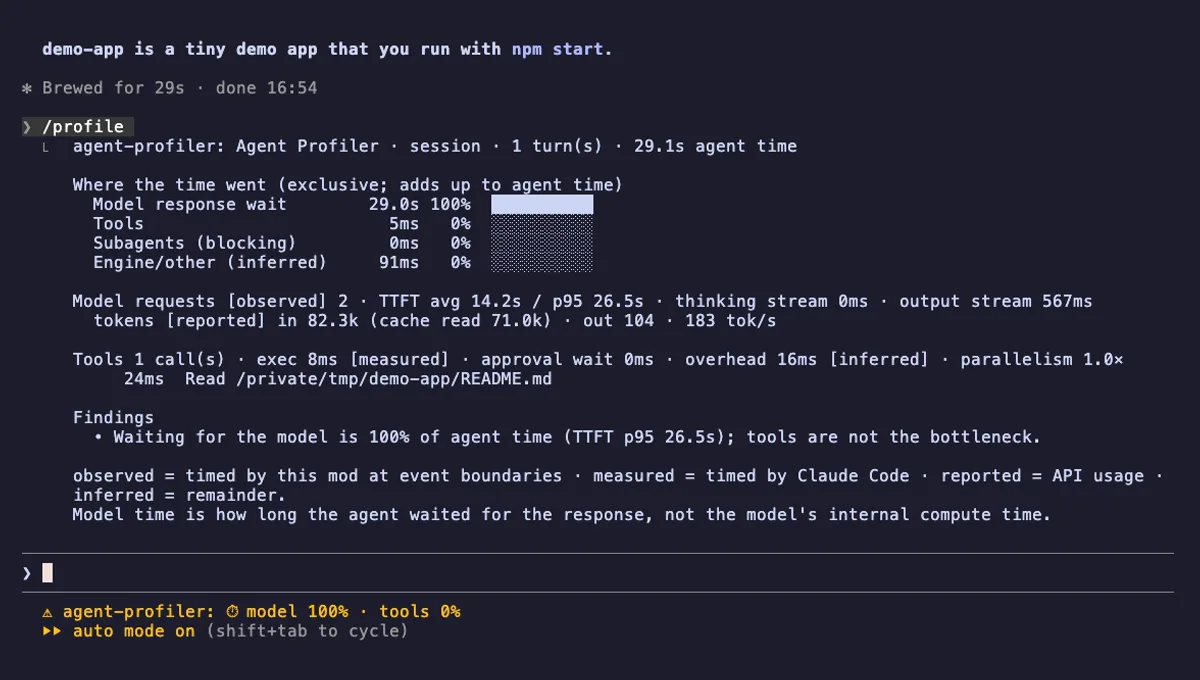
Where Claude Code session time goes: model wait, tools, subagents, live in the status line, with OTLP trace export.
- status
- pane
- toast
- Writes files
- Network
- Intercepts tool calls
- Changes the UI
- Adds commands/tools
tested with v2.1.303