memory-fork Claude Code mod: keeps Claude Code memory updated on its own
Haiku checks each turn for memory-worthy facts; a tool-less fork writes them to Claude Code memory in the background.
Permissions
- Reads filesCan read files and list directories on your machine ($.fs.read / list / stat / exists).
- Writes filesCan create or overwrite files on your machine ($.fs.write).
- Runs commandsCan run shell programs on your machine ($.process.run / spawn). Check the source for exactly which ones.
- Calls the model (uses your quota)Can send its own requests to Claude, which count against your plan's usage ($.model.* / $.agent.spawn).
- Intercepts tool callsSees every tool call Claude makes (tool.call / tool.check) and could block or change it.
- Reads your promptsCan see what you type and the conversation transcript (prompt.* / session.append / session.messages).
- Changes the UIDraws into the Claude Code interface: bands, panes, status text, toasts (ui.render / $.ui.*).
- Adds commands/toolsRegisters new slash commands or tools that you or Claude can invoke ($.command.register / $.tool.register).
- tested with
- v2.1.307
- last tested
- requires
- Claude Code ≥ 2.1.287
- surfaces
- above-prompt, pane
- source
- Ray Amjad (ray-amjad) (MIT)
Install inside Claude Code:
/plugin install memory-fork --marketplace ray-amjad/claude-code-modsWhat does this mod do?
memory-fork is a community mod by Ray Amjad (ray-amjad), published in his claude-code-mods repository. It keeps Claude Code memory up to date in the background, so the main session never stops to write it. The memory it manages is the auto-memory folder under ~/.claude/projects/<project>/memory: one fact per Markdown file, plus a MEMORY.md index.
After every answered turn the plugin runs three steps, according to the README:
- Haiku judges the turn. It reads the last exchange and your
MEMORY.mdindex and answersSKIPorUPDATE: <what to save>. - A fork drafts the change.
$.model.forkreplays the session with the current memory files attached. Every tool is denied; the fork can only reply with JSON naming files to write and delete. - The mod writes it. The plugin's own code saves the files and removes the deleted ones.
A band above the prompt shows the run (Memory: updating …, then lines added and removed and the files changed), with Open and Hide buttons. Open, or the /memory-fork command, shows a pane listing every run this session with a +added −removed count per file.
Install
The install block above adds the author's own marketplace and installs the plugin from it. Restart Claude Code or run /reload-plugins afterwards. To try it from a local checkout, point --plugin-dir at the plugin folder:
claude --plugin-dir ./plugins/memory-fork$ install memory-fork
Requires Claude Code ≥ 2.1.287
Installs from the author's own marketplace: ray-amjad/claude-code-mods
1.One line, inside Claude Code
/plugin install memory-fork --marketplace ray-amjad/claude-code-modsPaste into a running session (v2.1.275+). Claude Code asks to add the marketplace first.
2.From your shell
claude plugin marketplace add ray-amjad/claude-code-mods claude plugin install memory-fork@claude-code-modsThen run /reload-plugins in any session that is already open.
3.Try it without installing
git clone https://github.com/ray-amjad/claude-code-mods claude --plugin-dir ./claude-code-mods/plugins/memory-forkLoads the mod for one session only. Nothing is added to your settings.
How it works
The plugin is one hooks module, hooks/register.tsx, listed in hooks/hooks.json. The write step is plain code in that module. This is the part that turns the fork's reply into files, from register.tsx:
const reply = await $.model.fork({ prompt: writerPrompt(reason, before) })
...
ops = parseOps(reply.text)
for (const one of ops.write) await $.fs.write(`${dir}/${one.name}`, one.content)
if (ops.delete.length > 0) {
  const paths = ops.delete.map(name => `${dir}/${name}`)
  const [argv, init] = removeCommand((await $.env.get('OS')) === 'Windows_NT', paths)
  await $.process.run(argv, init)
}
parseOps keeps only names matching ^[A-Za-z0-9][A-Za-z0-9_-]*\.md$, so there are no paths and no subfolders, and it never deletes MEMORY.md. Deletion runs rm -f as an argv array, or PowerShell Remove-Item on Windows with the paths passed in an environment variable. Runs are queued, so only one write happens at a time. The run list (the last 20) and the "hidden" state of the band are kept in plugin state.
Customize it
There are no settings. You can dismiss the band with Hide, open the pane with /memory-fork, and set MEMORY_FORK_WAIT=1 for claude -p runs. The Haiku judging prompt and the fork's writer prompt are constants at the top of register.tsx; changing them means editing a local copy of the plugin and loading it with --plugin-dir. To stop automatic memory writes, run /plugin disable memory-fork.
Permissions & safety
We read every file the plugin can execute or load: .claude-plugin/plugin.json, hooks/hooks.json, hooks/register.tsx, types/index.d.ts and the README. We did not read the two test files line by line, and diagram.png is an image of the README that we did not open. There is no package.json, no bundled or minified code, no binary and no bin/ folder. Findings:
- Writes memory with no permission prompt. The README states that the writes skip every permission prompt, in every mode. The files go to
<CLAUDE_CONFIG_DIR or ~/.claude>/projects/<cwd with non-alphanumerics replaced by ->/memory/, which is Claude Code's own auto-memory folder. Names are limited to bare*.mdby a regex; paths andMEMORY.mddeletion are refused. It writes nothing else: nosettings.json, shell rc files, LaunchAgents or git hooks. - Model-generated content. What gets saved is whatever the fork replies with. Text from the conversation, including text from web pages or files Claude read, could therefore influence what is stored in memory and replayed in future sessions. The band and pane show which files changed, so review them.
- Sends conversation text to the model. Haiku receives the last exchange and the
MEMORY.mdindex; the fork receives all memory files. These calls ($.model.complete,$.model.fork) use your Claude Code session and count against your usage. The plugin has nofetch, sockets or hosts of its own, and no telemetry. - Processes.
$.process.runis used only forrm -f(or the PowerShell delete on Windows) on the validated file names. - Gating hook.
tool.call{tool=Write|Edit}denies the main session's writes inside the memory folder, with a.catchthat lets the call through if the hook fails. Subagent calls (agentIdset) pass. This matches the README. - Prompt injection by design. A
prompt.composehook adds a system-prompt section telling Claude not to write the memory folder and that messages starting[memory-fork]come from the plugin. We found no hidden or zero-width characters or instructions aimed at anything else. - Environment. It reads
HOME,USERPROFILE,CLAUDE_CONFIG_DIR,OSandMEMORY_FORK_WAIT. None of them leave the machine. - No daemons, no external requirements. Nothing keeps running after Claude Code exits. License: MIT,
LICENSEfile present in the repo.
claude plugin validate reported no errors and no plugin warnings, only a directory note that no icon is set. claude plugin test passed 11 of 11 tests.
- Reads files
- Can read files and list directories on your machine ($.fs.read / list / stat / exists).
- Writes files
- Can create or overwrite files on your machine ($.fs.write).
- Runs commands
- Can run shell programs on your machine ($.process.run / spawn). Check the source for exactly which ones.
- Calls the model (uses your quota)
- Can send its own requests to Claude, which count against your plan's usage ($.model.* / $.agent.spawn).
- Intercepts tool calls
- Sees every tool call Claude makes (tool.call / tool.check) and could block or change it.
- Reads your prompts
- Can see what you type and the conversation transcript (prompt.* / session.append / session.messages).
- Changes the UI
- Draws into the Claude Code interface: bands, panes, status text, toasts (ui.render / $.ui.*).
- Adds commands/tools
- Registers new slash commands or tools that you or Claude can invoke ($.command.register / $.tool.register).
Compatibility & troubleshooting
We loaded and tested it on Claude Code 2.1.307 on macOS. If nothing seems to happen:
- Look for the
Memory:band above the prompt after an answered turn. ASKIPverdict is shown in the pane as "nothing to remember", which is the normal result for routine work. Memory: failed (haiku: …)or(fork: …)means the model call did not return an answer; the next turn tries again.fork did not answer with JSONmeans the reply could not be parsed, and nothing was written.- In
claude -pruns, setMEMORY_FORK_WAIT=1, otherwise the process exits before the write. - If you ask Claude to edit a memory file itself, the edit is refused on purpose; ask it to remember the fact instead.
FAQ
- Does memory-fork write to Claude Code memory without asking me?
- Yes. The README says so directly: the writes skip every permission prompt, in every mode. The only limit is a file-name guard in the code that allows bare *.md names inside the project's memory folder. Read hooks/register.tsx before you install it, and use /plugin disable memory-fork to turn it off.
- What does memory-fork send to the model?
- After each answered turn it sends Haiku the last exchange (the text of the latest user prompt and what followed, tool names only, capped at about 12,000 characters) and your MEMORY.md index. If Haiku answers UPDATE, a fork of the session also receives every memory file. This goes through your normal Claude Code session; the plugin code has no network calls of its own.
- Can the main session still edit my memory files?
- Not while the plugin is on. A tool.call hook denies Write and Edit calls from the main session whose path is inside the memory folder. Subagent calls are let through, and the folder is still readable. The plugin also adds a prompt section telling Claude that memory writes are handled for it.
- Why does a claude -p run not save memory?
- A claude -p run exits when the hook returns, before the background write finishes. Set MEMORY_FORK_WAIT=1 and the plugin waits for the write to land. Long-lived SDK sessions do not need it. Headless sessions open no pane and register no /memory-fork command.
- Which Claude Code version did you test it on?
- Claude Code 2.1.307. claude plugin validate reported no errors and no plugin warnings (only a note that no icon is set), and the author's 11 tests passed.
# Related mods
 Featured
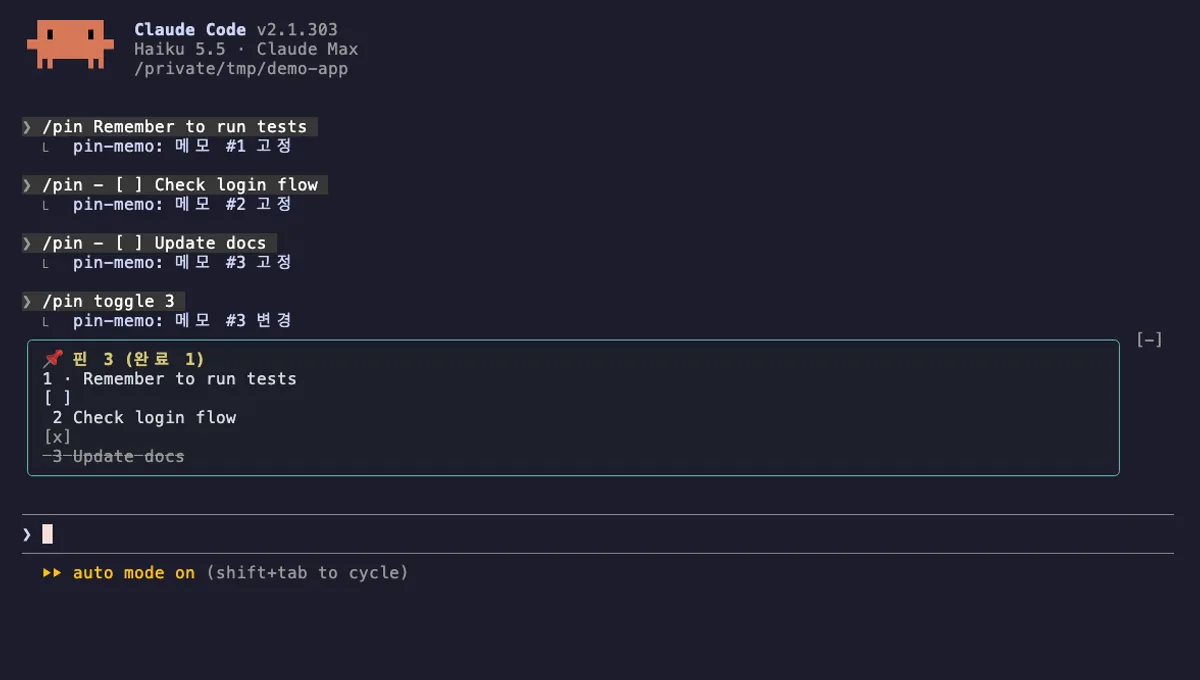
Pin Memo
Pin notes and clickable todo checkboxes above the Claude Code prompt with /pin, saved per session.
- above-prompt
- Changes the UI
- Adds commands/tools
- Stores data
tested with v2.1.303
 Featured
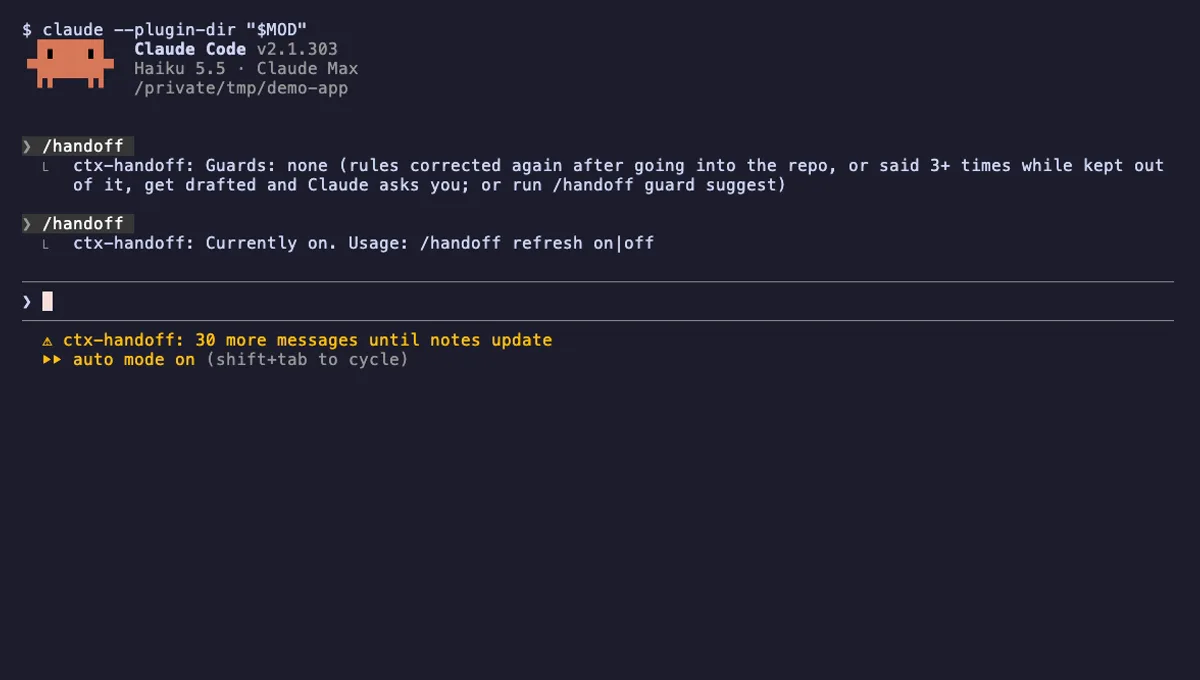
ctx-handoff
Keeps the prompt cache warm, writes project notes from what you teach Claude, and can hand off a full context.
- above-prompt
- status
- toast
- Reads files
- Writes files
- Calls the model (uses your quota)
- Intercepts tool calls
- Reads your prompts
- Changes the UI
- Adds commands/tools
- Stores data
tested with v2.1.303
 Featured
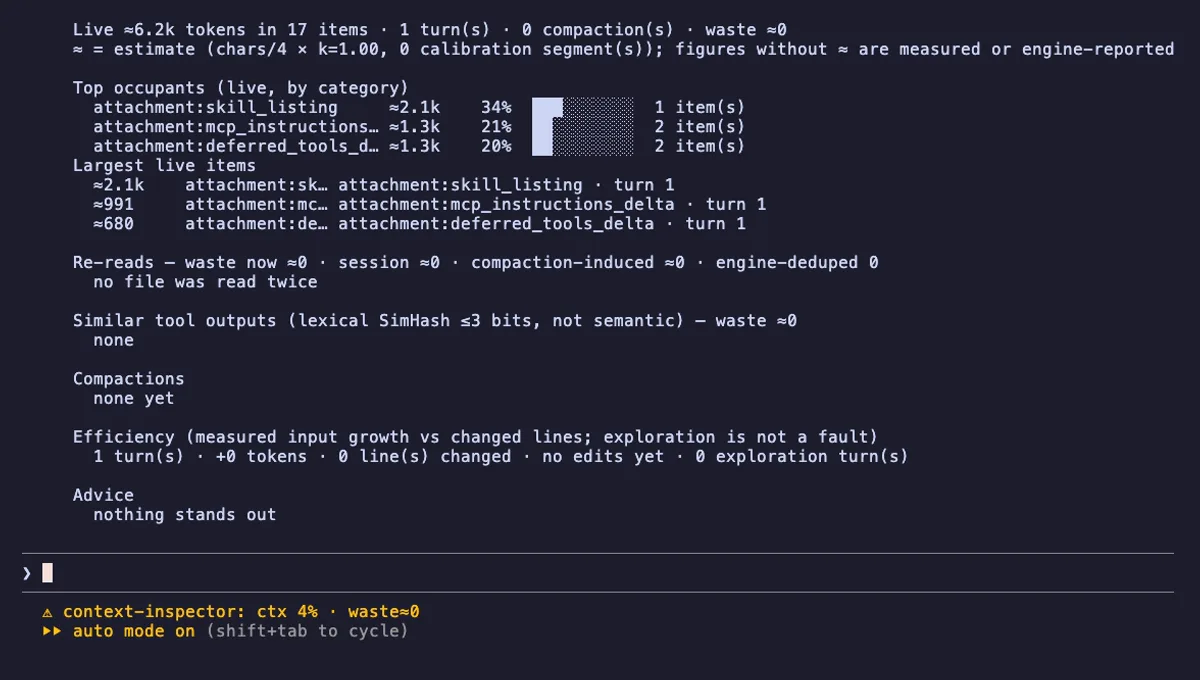
Context Inspector
Shows what fills your Claude Code context, how much is re-reads and duplicates, and what compaction kept.
- status
- pane
- toast
- Writes files
- Intercepts tool calls
- Reads your prompts
- Changes the UI
- Adds commands/tools
tested with v2.1.303