Reels, a Claude Code mod: watch Claude Code YouTube Shorts in a pane while it works
YouTube Shorts in a Claude Code pane: plays while Claude works, pauses when Claude is done.
Permissions
- Reads filesCan read files and list directories on your machine ($.fs.read / list / stat / exists).
- Runs commandsCan run shell programs on your machine ($.process.run / spawn). Check the source for exactly which ones.
- NetworkCan make HTTP requests or talk to MCP servers ($.http.fetch / $.mcp.*).
- Changes the UIDraws into the Claude Code interface: bands, panes, status text, toasts (ui.render / $.ui.*).
- Adds commands/toolsRegisters new slash commands or tools that you or Claude can invoke ($.command.register / $.tool.register).
- tested with
- v2.1.310
- last tested
- requires
- Claude Code ≥ 2.1.287
- surfaces
- pane
- source
- Hamza Zafar (hamzafer) (MIT)
Install inside Claude Code:
/plugin install reels --marketplace hamzafer/claude-code-modsWhat does this mod do?
Reels is a community mod by Hamza Zafar (hamzafer), part of his claude-code-mods collection. It gives you Claude Code YouTube Shorts in a side pane: run /reels, and a vertical video plays while Claude works on your prompt. When the turn finishes, the video pauses and the pane says "Claude's done, your turn".
The picture is a mirror of a hidden Chrome window, drawn into the terminal as an image, so your terminal has to be able to show images. Under the picture the pane has four buttons: Prev (k), Next (j), Mute (m) and Stop (x), and a status line such as "▶ Playing while Claude works".
Install
The install block above adds the author's marketplace and installs the plugin from it. Reels needs one more step, once. It looks for Playwright in its own folder, and if it is missing, /reels replies with the command to run, which is npm install --prefix ~/.claude-mods/reels playwright@1.63.0. You also need Node.js and Google Chrome. Then run /reels. To try the plugin without installing, point Claude Code at a local clone with --plugin-dir.
$ install reels
Requires Claude Code ≥ 2.1.287
Installs from the author's own marketplace: hamzafer/claude-code-mods
1.One line, inside Claude Code
/plugin install reels --marketplace hamzafer/claude-code-modsPaste into a running session (v2.1.275+). Claude Code asks to add the marketplace first.
2.From your shell
claude plugin marketplace add hamzafer/claude-code-mods claude plugin install reels@claude-code-modsThen run /reload-plugins in any session that is already open.
3.Try it without installing
git clone https://github.com/hamzafer/claude-code-mods claude --plugin-dir ./claude-code-mods/mods/reelsLoads the mod for one session only. Nothing is added to your settings.
How it works
The mod is one hooks module, register.tsx, plus a Node helper, helper/reels.cjs. On /reels the module opens the pane and spawns the helper, which launches a headless Chrome on https://www.youtube.com/shorts through Playwright and streams its screen as PNG frames, about 15 a second. The module talks to the helper over a Unix socket. Turns drive it. This is from register.tsx:
on('turn.start', async ($, e, next) => {
  live.isWorking = true
  if (await send($, '/play')) await update($, status, () => 'playing')
  return next(e)
})
send makes an HTTP request to http://reels/play through the socket at ~/.claude-mods/reels/ctl.sock; the host name is a placeholder, and nothing leaves the machine on that call. The helper writes frames to three rotating files under ~/.claude-mods/reels/frames, and the module hands the newest one to the pane with $.ui.blit. Between turns the helper pauses every video and injects an overlay, and a small script in the page keeps videos from starting while paused.
Customize it
There are no settings. You control it with the arguments of /reels: no argument starts or reopens it, login opens a visible window for cookies or sign-in, and stop ends it. In the pane, k and j move to the previous and next Short, m toggles mute, and x stops. Mute state is kept in the plugin's state, so the button label survives a redraw.
Permissions & safety
We read every file the plugin can run: the hooks module, the helper, the manifest and hooks.json. There is no package.json, no install script, no minified code and no binary. Here is what we found:
- Network: the helper opens YouTube in Chrome, so everything YouTube normally does happens in that browser (video, cookies, your account if you sign in). The mod's own code sends nothing anywhere else and has no telemetry.
$.http.fetchis used only to talk to the local Unix socket. - Processes:
/usr/bin/env node helper/reels.cjs(argv array, no shell), which launches Google Chrome through Playwright. The helper runs until/reels stop, the Stop button, session end, or Chrome closing. - Writes: only under
~/.claude-mods/reels: the socket, the frames, and a persistent Chrome profile (profile/) that holds YouTube cookies and any login you add. Nothing is written to~/.claude,settings.json, shell files or LaunchAgents. - Secrets: the module reads
HOMEonly. - Opt-in and gating: nothing starts until
/reels. No hook blocks or rewrites tool calls or prompts, and the mod injects no text into the prompt. - External requirements: Node.js, Google Chrome, Playwright (installed by you with npm) and internet access to YouTube. Playwright runs with
--autoplay-policy=no-user-gesture-requiredand without Chrome's automation flag. - License: MIT, with a LICENSE file in the repository.
claude plugin validate passed with one non-blocking warning: no icon. claude plugin test ran the author's three tests and all passed on Claude Code 2.1.310. We did not run YouTube playback ourselves. Whether Shorts keep working depends on YouTube's pages and its terms, which are outside the mod.
- Reads files
- Can read files and list directories on your machine ($.fs.read / list / stat / exists).
- Runs commands
- Can run shell programs on your machine ($.process.run / spawn). Check the source for exactly which ones.
- Network
- Can make HTTP requests or talk to MCP servers ($.http.fetch / $.mcp.*).
- Changes the UI
- Draws into the Claude Code interface: bands, panes, status text, toasts (ui.render / $.ui.*).
- Adds commands/tools
- Registers new slash commands or tools that you or Claude can invoke ($.command.register / $.tool.register).
Compatibility & troubleshooting
Tested on Claude Code 2.1.310. The pane draws only on the terminal surface; elsewhere it shows a short notice. Status messages in the pane tell you what is wrong:
- "Needs Playwright": run the npm command that
/reelsprinted. - "Chrome did not start": run
claude --debugand read the helper's output, which is logged to the debug log. - "YouTube wants cookie consent": run
/reels login, accept the dialog in the window, close it, then run/reelsagain. Login and the pane cannot run at once because the profile opens in one Chrome at a time. - A blank pane: the first frame can take a few seconds; the pane shows "Waiting for the first frame…".
FAQ
- Does Reels start playing on its own?
- No. Nothing starts until you run /reels. The author's test checks that a turn without /reels spawns no helper process. Until then the mod only registers the command.
- What do I need installed besides the mod?
- Node.js, Google Chrome, and Playwright 1.63.0 in the mod's own folder. If Playwright is missing, /reels prints the exact npm install command and starts nothing.
- Does it pause when Claude is done?
- Yes. A turn start sends /play to the helper and a main-agent turn completion sends /pause, which also puts a dark "Claude's done, your turn" overlay on the page. Subagent turns do not pause it.
- Do I have to sign in to YouTube?
- Not necessarily. /reels login opens a visible Chrome window so you can accept cookies or sign in once. The profile is kept in the mod's own folder, so you do not repeat it.
- How do I stop it?
- Run /reels stop or press the Stop button in the pane. Both ask the helper to quit, which closes the hidden Chrome and removes its socket.
# Related mods
 Featured
cc-arcade Games Above the Prompt
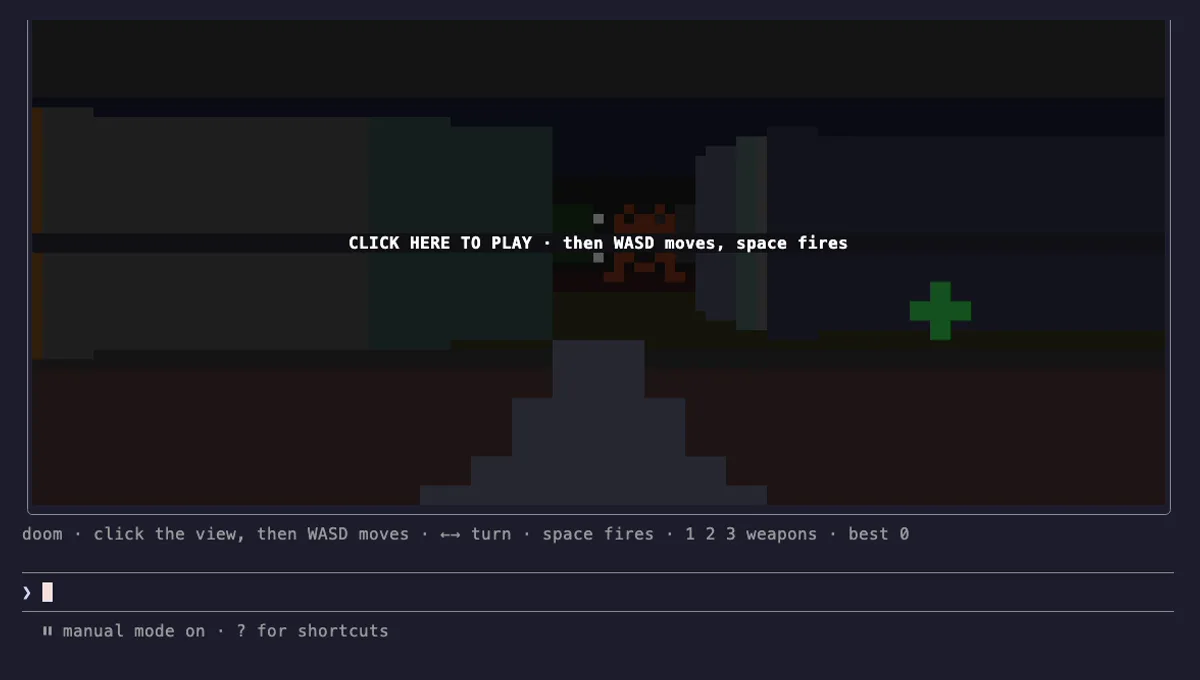
Snake, Tetris, Doom, 2048 and more games above the Claude Code prompt, plus a pet fed by Claude's work.
- above-prompt
- toast
- Intercepts tool calls
- Changes the UI
- Adds commands/tools
- Stores data
tested with v2.1.291
 Featured
Done Toast
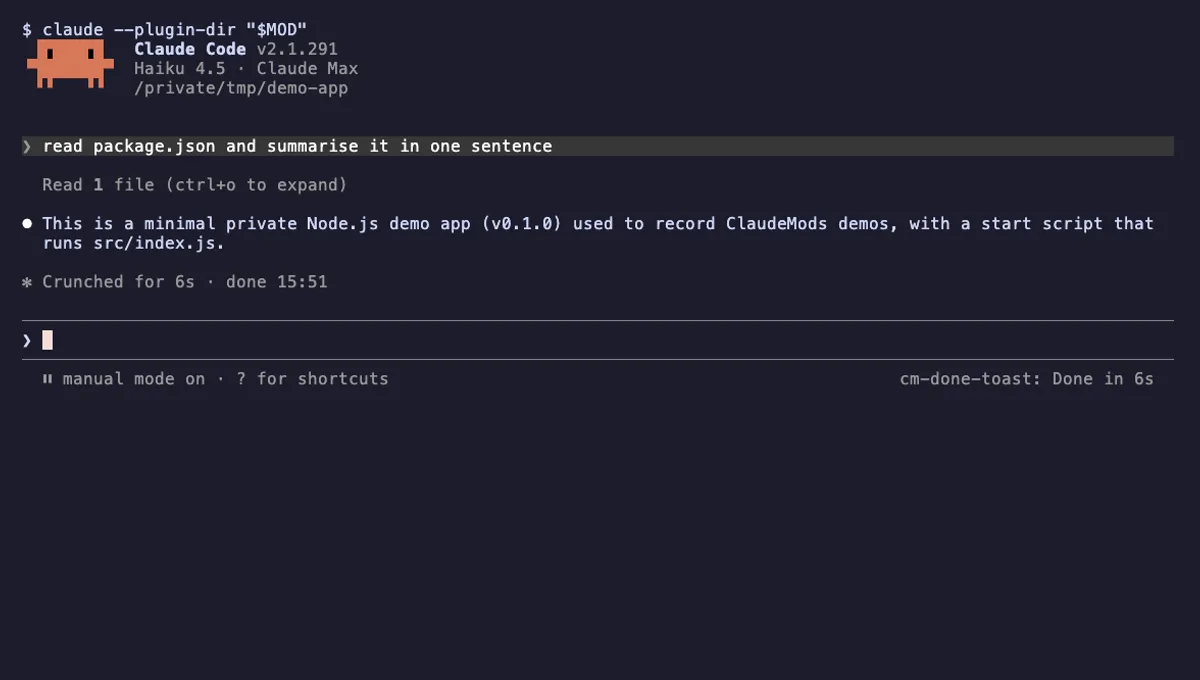
A "Done in 2m 14s" toast and a short chime when a long Claude turn finishes, plus an optional desktop notification.
- toast
- Runs commands
- Changes the UI
- Plays sound
tested with v2.1.310
More in Timers, todos, standups, Slash commands.