Snake, a Claude Code snake game mod: play Snake in a pane while Claude works
Play Snake in a pane while Claude works. It pauses when the turn ends, and nothing opens until you type /snake.
Permissions
- Changes the UIDraws into the Claude Code interface: bands, panes, status text, toasts (ui.render / $.ui.*).
- Adds commands/toolsRegisters new slash commands or tools that you or Claude can invoke ($.command.register / $.tool.register).
- Stores dataKeeps data between sessions in the plugin's private store ($.store.*).
- tested with
- v2.1.310
- last tested
- requires
- Claude Code ≥ 2.1.287
- surfaces
- pane, spinner
- source
- Hamza Zafar (hamzafer) (MIT)
Install inside Claude Code:
/plugin install snake --marketplace hamzafer/claude-code-modsWhat does this mod do?
Snake is a community mod by Hamza Zafar (hamzafer), part of his claude-code-mods collection. It is a Claude Code snake game for the minutes you spend waiting on a reply. Type /snake and a pane opens with a board of two-character cells, a green snake and a red piece of food. The snake moves while Claude is working, and the game pauses when the turn is complete.
The mod is opt-in. Nothing opens until you run /snake. After that, the pane opens at the start of every main-agent turn, and /snake again (or /snake off) turns it off and closes the pane. If you turn it on in the middle of a turn, it starts playing right away. The header shows the score and your best, and while the game runs the spinner line also shows 🐍 <score> (best <n>). Hitting a wall or yourself resets the board and the score; the best score is kept between sessions.
Install
Use any of the methods in the install block; they install straight from the author's own marketplace. Then run /snake to turn the game on. A code comment in the mod says the pane seats itself from 144 terminal columns when opened unasked, and /snake opens it at any width.
$ install snake
Requires Claude Code ≥ 2.1.287
Installs from the author's own marketplace: hamzafer/claude-code-mods
1.One line, inside Claude Code
/plugin install snake --marketplace hamzafer/claude-code-modsPaste into a running session (v2.1.275+). Claude Code asks to add the marketplace first.
2.From your shell
claude plugin marketplace add hamzafer/claude-code-mods claude plugin install snake@claude-code-modsThen run /reload-plugins in any session that is already open.
3.Try it without installing
git clone https://github.com/hamzafer/claude-code-mods claude --plugin-dir ./claude-code-mods/mods/snakeLoads the mod for one session only. Nothing is added to your settings.
How it works
The code is split in three. hooks/register.tsx holds the hooks and state, hooks/snake.ts holds the rules as pure functions, and hooks/game.tsx is the board, which runs in the pane with its own 120 ms clock and key handler. This is the part that opens the pane and pauses the game:
on('turn.start', async ($, e, next) => {
  isWorking = true
  if (!(await read($, isOn))) return next(e) // opt-in: nothing until /snake
  await update($, isPlaying, () => true)
  void $.ui.open({ id: PANE, title: 'Snake' })
  return next(e)
})

on('turn.complete', async ($, e, next) => {
  const r = await next(e)
  if (!e.agentId) {
    isWorking = false
    await update($, isPlaying, () => false)
  }
  return r
})
The board posts its score to the main module whenever the snake eats or crashes. The module keeps the score and the best in host-held state, and saves the best with $.store so a new session starts with it. The spinner hook only adds the score to the spinner text while the game is playing and the score is above zero. The board needs at least a 10-column by 6-row grid; below that, it asks you to make the pane bigger.
Customize it
There are no options in /config. The only controls are /snake, /snake on and /snake off (stop also works). To change how it looks or plays, edit the constants at the top of hooks/game.tsx: TICK_MS for the speed, COLORS for the head, body, food and empty cells, and KEYS for the key bindings.
Permissions & safety
We read every file the plugin can execute before running it: hooks/hooks.json, hooks/register.tsx, hooks/game.tsx, hooks/snake.ts, the type declarations and the tests. There is no package.json, install script, binary or bundled code, and we found no hidden or zero-width characters. The repository has an MIT LICENSE file.
- Network: none. No
fetch, sockets or URLs in the code (the only URL is the author's profile inplugin.json). - Processes: none. It does not run commands.
- File writes: none of its own. The best score is saved with
$.storein the plugin's own store (register.tsx:81). It does not touch~/.claude, settings or shell files. - Background services: none. The game's timer lives in the pane and only runs while it is open.
- Secrets and telemetry: it reads no environment variables, tokens or credentials, and sends nothing anywhere.
- Model influence: it adds no text to prompts or tool results. It does change the spinner text, to add the score while you play (
register.tsx:86-93). - Gating: no hooks that block or rewrite tool calls or prompts.
claude plugin validatelists no gating hooks. - Requirements: none beyond Claude Code. The pane only draws in the terminal or desktop app.
claude plugin validate passed with one non-blocking warning: the plugin has no icon, which only matters for the plugin directory. The author's 11 tests (6 for the mod, 5 for the rules) passed on Claude Code 2.1.310.
- Changes the UI
- Draws into the Claude Code interface: bands, panes, status text, toasts (ui.render / $.ui.*).
- Adds commands/tools
- Registers new slash commands or tools that you or Claude can invoke ($.command.register / $.tool.register).
- Stores data
- Keeps data between sessions in the plugin's private store ($.store.*).
Compatibility & troubleshooting
Checked with Claude Code 2.1.310 on macOS (validate and tests). We did not play it interactively. If nothing shows up:
- You ran
/snake. The mod does nothing before that, and/snaketoggles, so run it again if it says "Snake is off". - The pane may not open on its own below 144 terminal columns. Run
/snakeagain to open it at any width. - The pane is big enough: under 10 columns by 6 rows of board, it shows "Make the pane bigger to play".
- The keys go to the prompt until you click the board. Your terminal has to report mouse clicks.
- The game is paused between turns by design; it resumes when Claude starts working again.
FAQ
- Does the Claude Code snake game open by itself?
- No. The mod is opt-in. Until you type /snake, turns start and end as usual and no pane opens. After /snake it opens the pane at the start of every turn, and /snake again, or /snake off, turns it off.
- How do I control the snake?
- Click the board to give it the keyboard, then use the arrow keys or W, A, S and D. Esc gives the keyboard back to the prompt. While the game is paused, the keys do nothing.
- What happens when Claude finishes?
- The game pauses and dims, and the header reads "Claude's done, your turn". It resumes at the start of the next turn that the main agent runs. Subagent turns do not pause it.
- Does playing use tokens or the network?
- No. The game and the /snake command run on your machine without calling the model, and the code makes no network requests. The only thing saved is your best score.
- Is it the same as the Snake in cc-arcade?
- No. cc-arcade is a separate mod with nine games drawn above the prompt. This mod is only Snake, drawn in a side pane, and it shows your score in the spinner line while you play.
# Related mods
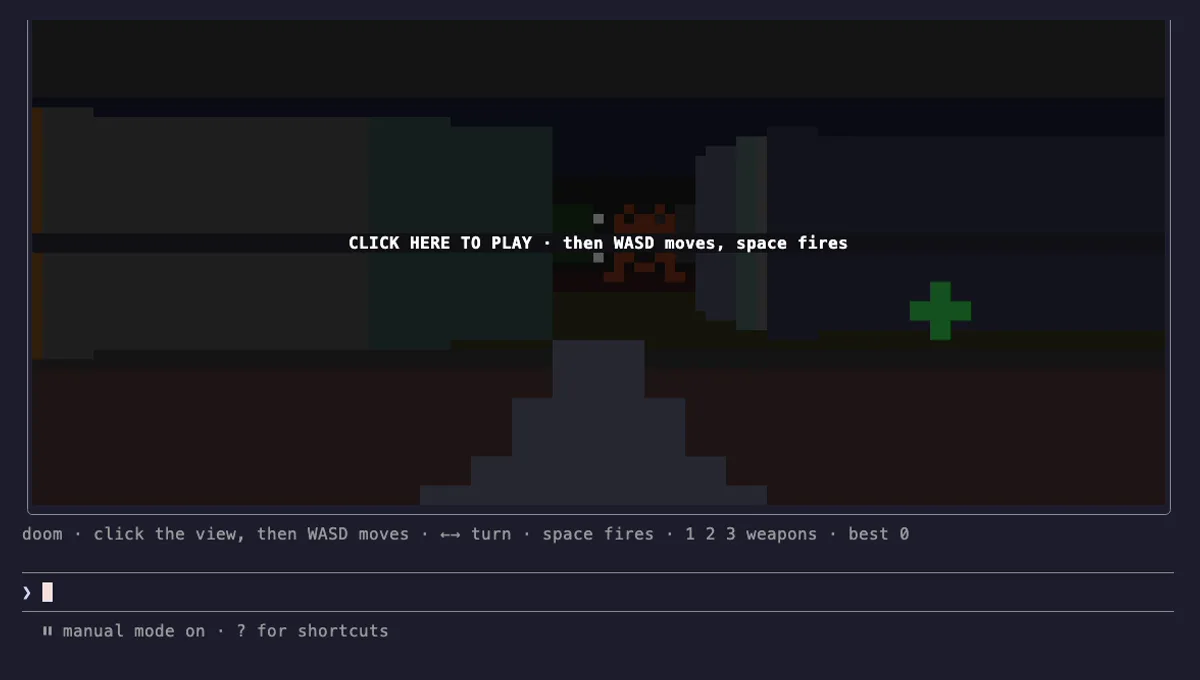 Featured
cc-arcade Games Above the Prompt
Snake, Tetris, Doom, 2048 and more games above the Claude Code prompt, plus a pet fed by Claude's work.
- above-prompt
- toast
- Intercepts tool calls
- Changes the UI
- Adds commands/tools
- Stores data
tested with v2.1.291
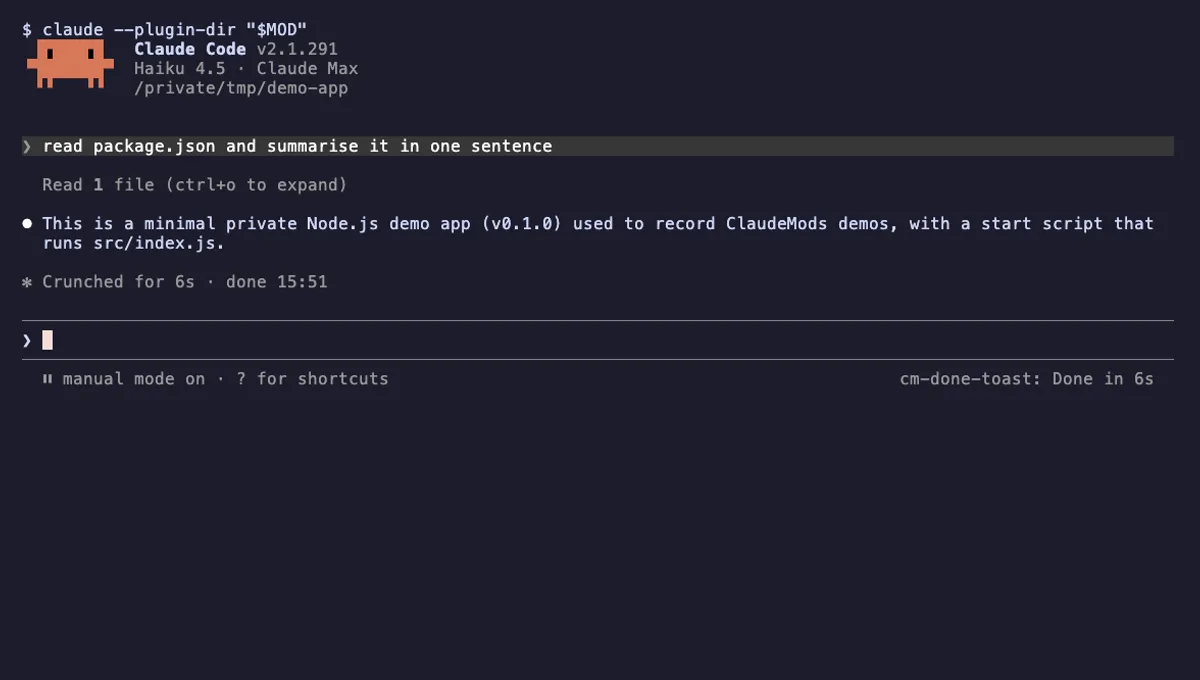 Featured
Done Toast
A "Done in 2m 14s" toast and a short chime when a long Claude turn finishes, plus an optional desktop notification.
- toast
- Runs commands
- Changes the UI
- Plays sound
tested with v2.1.310
More in Timers, todos, standups, Slash commands.