Token Run Claude Code mod: a Claude Code game for when a request fails
A small ASCII runner game that offers itself when a Claude Code request fails, or any time with /token-run. Fully local.
Permissions
- Changes the UIDraws into the Claude Code interface: bands, panes, status text, toasts (ui.render / $.ui.*).
- Adds commands/toolsRegisters new slash commands or tools that you or Claude can invoke ($.command.register / $.tool.register).
- Stores dataKeeps data between sessions in the plugin's private store ($.store.*).
- tested with
- v2.1.310
- last tested
- requires
- Claude Code ≥ 2.1.287
- surfaces
- pane, above-prompt
- source
- YeonwooSung (Apache-2.0)
Install inside Claude Code:
/plugin install token-run --marketplace YeonwooSung/my-claude-code-modsWhat does this mod do?
Token Run is a community mod by YeonwooSung (GitHub), one of the plugins in the author's my-claude-code-mods repository. It is a small Claude Code game: an ASCII runner where you jump over BUG, 429 and TIMEOUT obstacles. It is meant for the moment a request fails, or for a short break, and it runs entirely on your machine.
There are two ways in. When a main-thread turn ends with an error, a button reading "요청 실패 · 잠깐 달려볼까요?" ("request failed, shall we run for a bit?") appears above the prompt; click it. Or type /token-run at any time. The game opens in a pane beside the transcript in a wide fullscreen terminal, or above the prompt otherwise. /token-run help prints the controls and /token-run close closes it.
You start and jump with a click on the track, Space or Up. Score is the number of seconds survived, speed rises slowly up to a cap, and a collision freezes the score until you press R. The best score is kept between sessions. If a later main response arrives while you are playing, the status line changes to a "back to work" notice and does not interrupt the run.
Install
The install block above adds the author's marketplace and installs the plugin from it. The author says the game needs Claude Code builds with Mods support and tested it on 2.1.296 to 2.1.301; we loaded it on 2.1.310. To try a local checkout, start Claude Code with --plugin-dir ./token-run. The README also sets CLAUDE_CODE_ENABLE_FUNCTION_HOOKS=1 for that case.
$ install token-run
Requires Claude Code ≥ 2.1.287
Installs from the author's own marketplace: YeonwooSung/my-claude-code-mods
1.One line, inside Claude Code
/plugin install token-run --marketplace YeonwooSung/my-claude-code-modsPaste into a running session (v2.1.275+). Claude Code asks to add the marketplace first.
2.From your shell
claude plugin marketplace add YeonwooSung/my-claude-code-mods claude plugin install token-run@my-claude-code-modsThen run /reload-plugins in any session that is already open.
3.Try it without installing
git clone https://github.com/YeonwooSung/my-claude-code-mods claude --plugin-dir ./my-claude-code-mods/token-runLoads the mod for one session only. Nothing is added to your settings.
How it works
The plugin has one hooks module, hooks/register.tsx, and one surface module, hooks/game.tsx, that draws the game as a Client element inside the Pane. The game rules are pure functions in hooks/core/game.ts. A small state machine in hooks/core/state.ts tracks whether the last main turn failed. It is fed by turn.start, turn.complete and turn.step; the turn.step hook only reads the kind of each chunk and yields it on unchanged. This is how the failure invitation is added to the prompt area:
on('ui.render', { component: 'AbovePrompt' }, async ($, e, next) => {
  const existing = await next(e)
  if (e.props.hasSurvey || e.props.bodyColumns < 24 || e.props.maxRows < 1 || !state.supported || state.requests.snapshot().status !== 'failed' || state.open) return existing
  if (e.surface !== 'terminal' && e.surface !== 'desktop') return existing
  const { Box, Button } = $.ui.resolve(e)
  return <Box flexDirection="column">{existing}<Button key="run-invite" plain label="요청 실패 · 잠깐 달려볼까요?" onPress={async () => { await start($, state) }} /></Box>
})
The existing prompt UI is kept and the button is appended to it. The game steps its simulation every 50 ms and posts score checkpoints back to the plugin with surface.post. The plugin validates each message against the active run id before saving a score, and the Client's state is checked again when it is restored after the pane moves between docked and inline layouts. The game needs at least 24 columns and 8 rows. In a smaller area it shows a resize hint and pauses movement.
Customize it
There are no settings. The only inputs are the /token-run arguments (help, close) and the in-game keys: Space or Up to jump, P to pause, R to restart, Q to quit and Esc to return focus to the prompt. Pause with P before returning to work, because the API does not tell the game when it loses focus. The text of the invitation and the status lines is fixed in the source and mostly in Korean.
Permissions & safety
We read every file the plugin loads: plugin.json, hooks/hooks.json, register.tsx, game.tsx and the three files in hooks/core/, about 370 lines in all. We also read the repository's LICENSE, marketplace.json and root package.json. Here is what we found:
- No network. There is no
fetch, socket or URL in the plugin code. - No processes. There is no
$.process.run,child_processor shell string.hooks/core/*has no imports at all beyond each other. - File writes. The plugin never writes a file directly. Its only persistence is
$.store.set, which stores{ version: 1, best: <number> }undertoken-run.best.v1in the plugin's own store. Scores are validated as integers from 0 to 999999. - No settings changes, no daemons. It does not touch
~/.claude,settings.json, shell files or LaunchAgents. The only timer is the game's 50 ms frame clock, which exists while the pane is mounted. - No secrets, no telemetry. It reads no environment variables. The Client gets game state, the best score and request-status flags; it gets no prompt or response text.
- Does not gate anything.
turn.step,turn.start,turn.completeandsession.*hooks all pass their events or chunks on unchanged.validateflagsui.close{id=token-run}as a gating hook without.catch. It only marks the game as detached and then callsnext(e), and it applies to the plugin's own pane id. - No injected text. The only strings it adds are the game UI, the help text and the invitation button. We found no hidden or zero-width characters and no text aimed at the model.
- No external requirements. It needs no binary, API key or paid account.
qa/pty_smoke.pyis an optional developer test script that uses a Python virtual environment; the plugin never runs it, and we did not run it. - License. The repository's
LICENSEis Apache-2.0, which allows redistribution. The plugin folder has no license file of its own, sovalidatetook the one from the repository root.
The README also has long sections written to explain test-harness calls to a code reviewer. They are descriptive, ask nothing of the reader and match the code. claude plugin validate passed with no errors or warnings on 2.1.310; its only notes are the hook and API-call lists above and a reminder that directory-specific rules for hooks modules are not checked. claude plugin test passed: 50 tests across 4 files, 0 failures. The tests run in the engine's test harness; we did not play the game interactively.
- Changes the UI
- Draws into the Claude Code interface: bands, panes, status text, toasts (ui.render / $.ui.*).
- Adds commands/tools
- Registers new slash commands or tools that you or Claude can invoke ($.command.register / $.tool.register).
- Stores data
- Keeps data between sessions in the plugin's private store ($.store.*).
Compatibility & troubleshooting
The plugin loaded on Claude Code 2.1.310 on macOS. It runs only in interactive terminal and desktop sessions. VS Code chat, mobile and headless sessions get the reply "Token Run requires an interactive terminal or desktop session". If the game does not behave as expected:
- If keys do nothing, click the track or the Jump button to give the game focus, or press
ctrl+x tab. If the prompt or another dialog holds focus, the game does not receive keys. - If the invitation does not show up, a survey takes priority over it, and it needs at least 24 columns above the prompt. It also appears only after a main turn ends in an error.
- If the pane says it needs space, enlarge the terminal. The game needs 24 columns by 8 rows.
- Closing and reopening starts a new run. The best score stays.
- The author did not check native Desktop rendering and reports engine render-tree tests for it.
To check that it works after installing, run /token-run, click the track and press Space a few times. The score line should count up.
FAQ
- When does the Token Run invitation appear?
- After a main-thread turn ends with an error, the plugin adds a "request failed, want to run for a bit?" button above the prompt. You can also run /token-run at any time. The invitation does not mean you are offline, because the error can also be a server, authentication or context error. Subagent outcomes are ignored.
- Does Token Run call the model or use the network?
- No. The game runs inside the engine's Client surface and calls no model. We found no fetch, socket or process call anywhere in the plugin, and the Client receives only game state and request-status flags, never prompt or response text.
- What are the controls?
- Click the track or press Space or Up to start and jump, P pauses, R restarts, Q closes, and Esc hands focus back to the prompt. Keys with Ctrl, Meta or Shift are ignored, and the game only receives keys while it has focus.
- Where is my best score kept?
- In the plugin's own store through $.store.get and $.store.set, under the key token-run.best.v1, as a single number. The author notes that there is no cross-process locking, so two engine processes could race on it.
- Why is some of the text in Korean?
- The status lines and the invitation button are hard-coded Korean strings, for example the button reads "요청 실패 · 잠깐 달려볼까요?". The track, the score line and the /token-run replies about usage are English. There is no setting to change the language.
# Related mods
 Featured
cc-arcade Games Above the Prompt
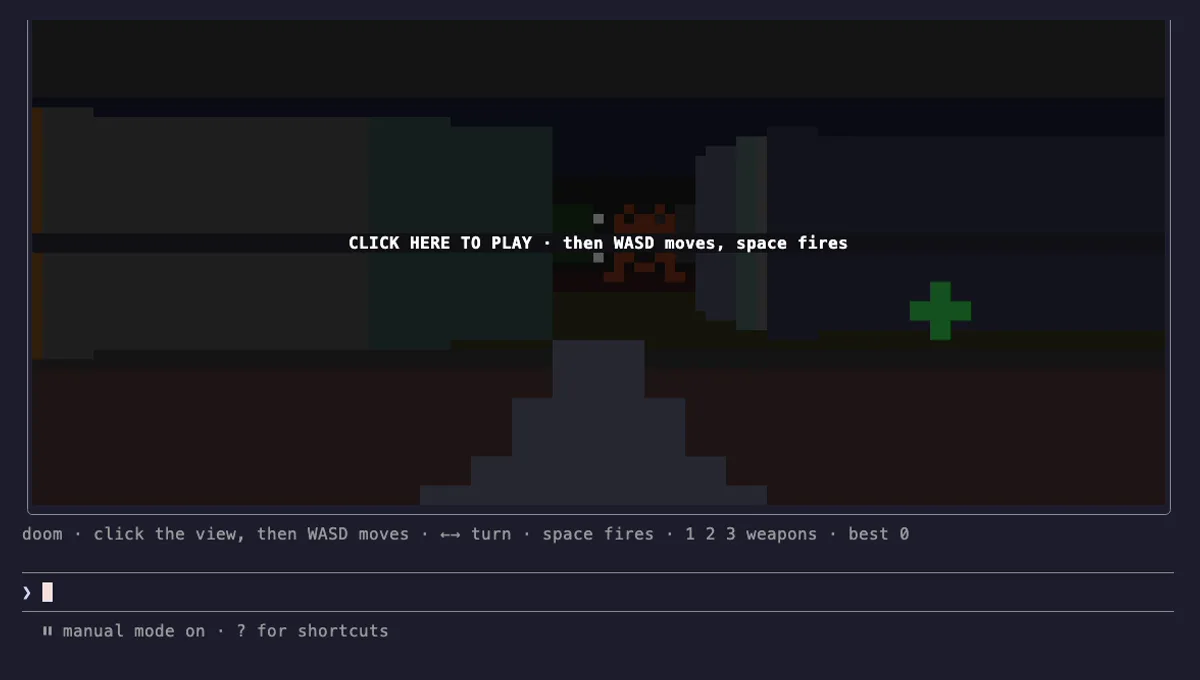
Snake, Tetris, Doom, 2048 and more games above the Claude Code prompt, plus a pet fed by Claude's work.
- above-prompt
- toast
- Intercepts tool calls
- Changes the UI
- Adds commands/tools
- Stores data
tested with v2.1.291
 Featured
Done Toast
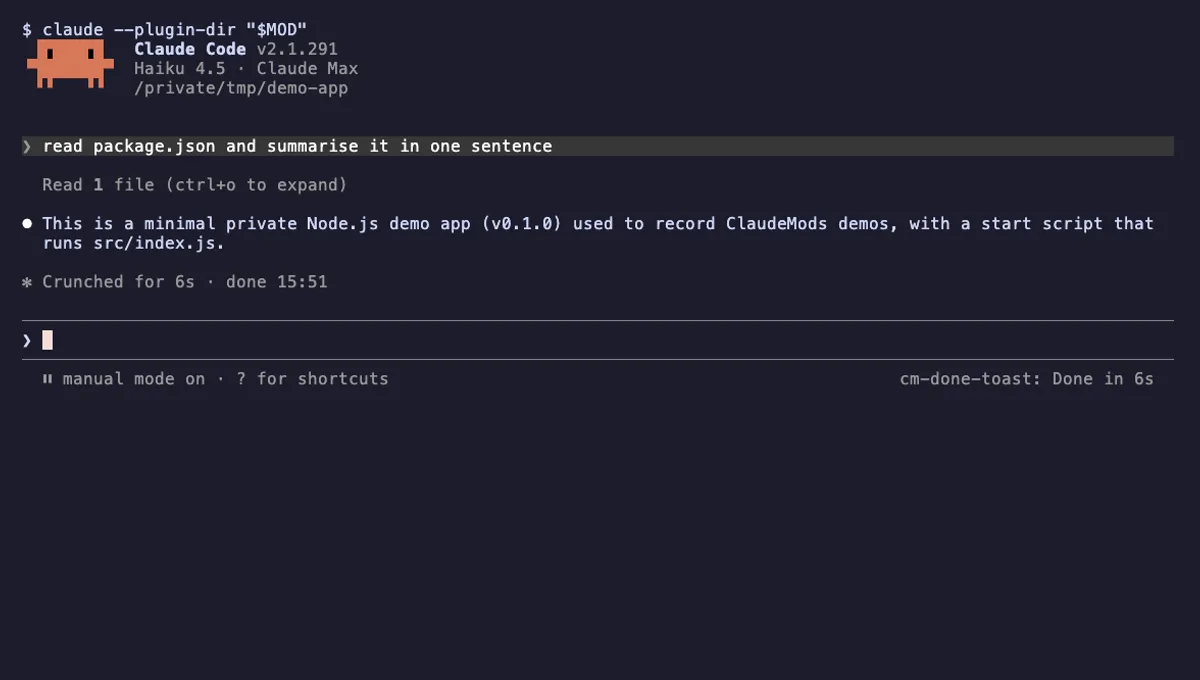
A "Done in 2m 14s" toast and a short chime when a long Claude turn finishes, plus an optional desktop notification.
- toast
- Runs commands
- Changes the UI
- Plays sound
tested with v2.1.310
More in Timers, todos, standups, Slash commands.